Artificial Intelligence is no longer a concept of the future; it’s a powerful everyday tool, seamlessly integrated into our lives. For professionals, students, and casual browsers, AI-powered Chrome extensions are reshaping how we work and communicate by making our tasks faster, smarter, and more efficient.
This blog highlights the top AI Chrome extensions available today, explaining how each one boosts productivity and enhances your web experience. Whether you’re looking to improve writing, analyze data, or automate repetitive tasks, these tools have you covered.
Table of Contents
Why AI Chrome Extensions are Essential
AI Chrome extensions act as personal assistants within your web browser, analyzing your needs and streamlining your daily workflows. Here are just a few reasons why they’re a must-have:
- Time-saving features like automated email replies or content summarization.
- Enhanced precision in grammar, research, and data handling.
- Seamless user experience embedded directly into the browser for easy access.
Now, let’s explore the standout AI Chrome extensions across various categories, from writing assistance to advanced research tools.

Grammarly Writing Assistant
Grammarly has cemented its reputation as the go-to tool for writing clarity and grammar accuracy. Available as a Chrome extension, Grammarly provides real-time feedback on spelling, punctuation, grammar, and style.
Features:
- Real-time corrections as you type on platforms like Gmail, LinkedIn, or Google Docs.
- Suggestions for clarity, tone, and word choice to elevate your writing.
- Plagiarism checker (available with a premium plan) to ensure originality.
Why You’ll Love It:
Grammarly is perfect for anyone who writes emails, blogs, or professional reports regularly. Simply install the extension, and it integrates with virtually every text field in your browser.
Free Version vs. Premium ($12/month): While the free version focuses on basic grammar and spelling, the premium plan provides advanced editing capabilities.
Jasper AI Writing Assistant
Jasper takes writing assistance to the next level by creating high-quality, AI-generated content. The Chrome extension makes it easy to draft blog posts, social media captions, or ad copy without switching tools.
Features:
- AI-powered content creation tuned for specific tones and formats.
- Pre-written prompts for social media posts, emails, or blogs.
- Integration with platforms like Google Docs or Gmail.
Why You’ll Love It:
Whether you’re a busy marketer or content creator, Jasper reduces creative fatigue and helps you generate professional-grade content in seconds.
Tome AI Presentation Maker
Creating presentations can often be a time-consuming process. Enter Tome AI, an innovative Chrome extension that creates AI-generated slide decks based on your inputs.
Features:
- Generate professional-looking slideshows by feeding text prompts.
- Add visuals, animations, and charts with minimal effort.
- Collaborative tools allow team edits in real time.
Why You’ll Love It:
Tome AI is a huge time-saver for professionals who frequently create business or academic presentations without sacrificing quality.
ChatGPT Chrome Extension
ChatGPT, powered by OpenAI, is one of the most versatile AI tools today. Its Chrome extension takes the AI chatbot’s ease of use to the next level by embedding it directly into your browser.
Features:
- Use ChatGPT to answer complex queries or brainstorm ideas.
- Integrates with Google Search, adding contextual suggestions to your results.
- Comes with customizable prompts, making it ideal for writing, coding, or studying.
Why You’ll Love It:
For quick research, idea generation, or solving technical issues, ChatGPT eliminates the hassle of opening separate tabs or tools.
Upgrade to ChatGPT Plus ($20 per month) to access GPT-4 capabilities for faster and more nuanced responses.
Puzzle AI Organizer
Managing emails, tabs, and tasks can easily become overwhelming. Puzzle AI simplifies this problem as a Chrome extension designed to organize your life on a digital platform.
Features:
- Smart tab management to group tabs by topic and reduce clutter.
- AI-driven summaries of lengthy emails or articles.
- The ability to set automated reminders for tasks straight from your tabs.
Why You’ll Love It:
If you feel bogged down by distractions in your browser, Puzzle AI creates order out of chaos, increasing focus and efficiency.
Scribe AI Step Capture
Creating tutorials can be tedious, especially when every single step of a process needs to be documented. Scribe AI automates this process by capturing your actions within a browser and turning them into visual guides.
Features:
- Captures on-screen actions to create custom step-by-step guides.
- Annotates with screenshots, captions, and text boxes.
- Export guides to PDF or share via a link.
Why You’ll Love It:
Tech support teams, trainers, and educators can create polished guides in minutes, ensuring nothing gets lost in translation.
Otter AI Transcription
Are you tired of manually transcribing hours of meetings or interviews? Otter AI’s transcription Chrome extension is here to save the day.
Features:
- Converts audio from calls or videos into text transcriptions within moments.
- Provides highlights and summaries of meetings automatically.
- Syncs with tools like Zoom for real-time live captions.
Why You’ll Love It:
Otter AI is great for professionals who attend multiple online meetings or conduct research interviews. It ensures you never miss critical details.
Crystal AI Personality Insights
Effective communication isn’t just about words; it’s also about understanding your audience. Crystal AI helps you tailor your messaging by analyzing personality traits.
Features:
- Analyzes public LinkedIn posts to identify someone’s personality profile.
- Provides personalized communication tips, such as when to focus on data vs. emotions.
- Can generate custom emails based on behavioral tendencies.
Why You’ll Love It:
Sales teams and recruiters can use Crystal AI to refine their messaging and build stronger relationships, all through the power of psychology-driven AI.
Final Thoughts
AI Chrome extensions have made artificial intelligence accessible to the average user through their seamless browser integration. Each tool on this list is designed to simplify workflows and enhance productivity, no matter your industry or expertise level. From content creation to managing complex tasks, these extensions make AI a practical and valuable companion.
But the best way to experience the productivity revolution is to try these tools out for yourself. Explore different options, experiment with features, and find the extensions that align perfectly with your needs.
Wait! Before You Go, Read:
 How Google Chrome 62 Can Affect Your SEO and Online Business
 Protecting Your Privacy with Google Chrome: An Overview of Its Privacy Settings
 Why Is My Google Search Not Working? Here’s How to Fix It
 Top Google Calendar Integrations: 5 Options to Boost Productivity
 Best MailerLite Integrations: 6 Must-Have Options
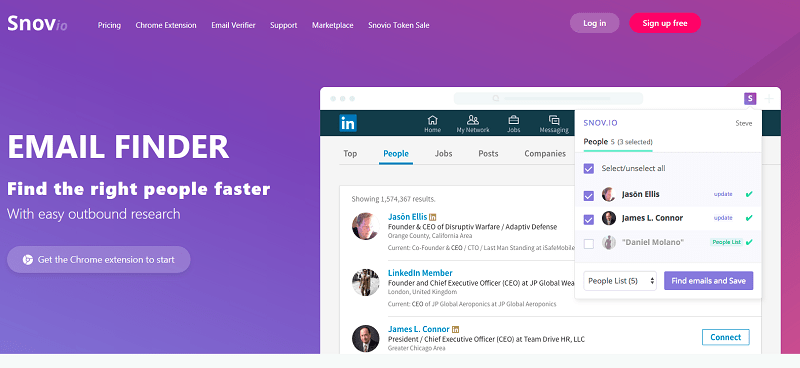 Snovio Email Finder: Useful App for Marketers and Sales People
 18 Productivity Tools Every Marketer Must Use
 The Trader’s Guide to Unusual Options Activity Scanners
 New SEO Tools for You in Google Webmaster Tools and Analytics
 How to Make Money with AI Tools (2025 Guide)
 How to Create an Electronic Signature (6 Options Explained)
 6 Funding Options for Your Trading Journey
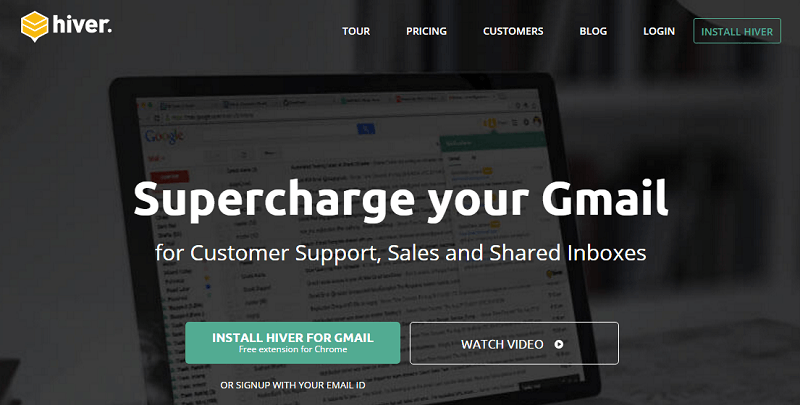 How to Boost Your Business and Productivity Using Gmail With Hiver
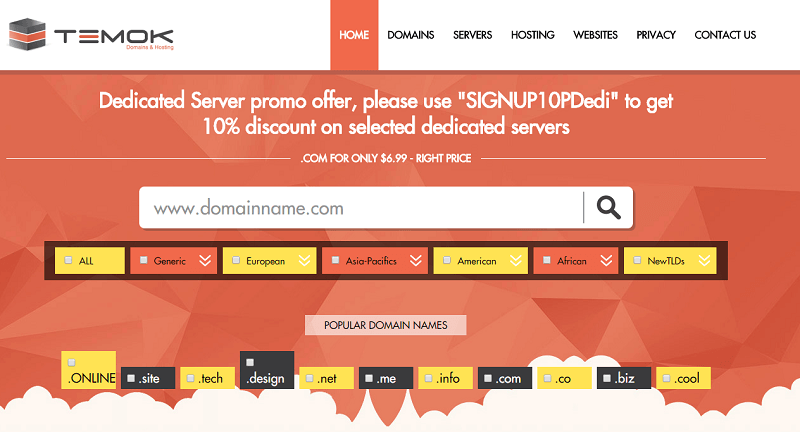 Build Your Online Business With Temok: Domains Registrations and Web Hosting
 Gmail Workspace Labs: The New Features With AI
 15 Solid Tips About Creating Great Content for Your Blog
 Which AI Is Best for Social Media Planning?
 Investing in Hungary: Best Options for Foreign Citizens
 Your Investment Options – Why Choose Gold IRA?
 Top 10 Email Marketing Tools For Small Businesses
 Maximizing Efficiency: 5 Must-have Tools for Solopreneurs
 Is Passive Income Easy w/ AI Tools To Enhance Your Writing?
Super List of Tools for Bloggers – More Than 70 Resources
Is Passive Income Easy w/ AI Tools To Enhance Your Writing?
Super List of Tools for Bloggers – More Than 70 Resources
 What Help Options Does Your Business Provide?
 19 Things You Need To Know Before Buying Your Domain Name