In the realm of email management, innovation is key to maintaining productivity and efficiency. Among the many tools available, Gmail Labs stands out as a treasure trove of features designed to enhance your email experience. Whether you’re a tech enthusiast, an email marketer looking to optimize your campaigns, or a small business owner striving to streamline communication, understanding and leveraging Gmail Labs can significantly elevate your email game.
Table of Contents
What are Gmail Labs?
Gmail Labs is a collection of experimental features within Gmail, created to test new functionalities and improve user experience. These features are not part of the standard Gmail offering but can be enabled individually to customize and enhance your email interface. While some Labs may eventually become permanent features, others might be phased out based on user feedback and usage statistics.
Why Should You Use Gmail Labs?
For tech enthusiasts, Gmail Labs offers an opportunity to explore cutting-edge features before they become mainstream. Email marketers can utilize these tools to improve campaign management and communication strategies. Small business owners can find ways to boost productivity and streamline their email processes.
How to Enable Gmail Labs
To start using Gmail Labs, follow these steps:
- Open Gmail and click on the gear icon in the upper right corner.
- Select ‘See all settings’ from the dropdown menu.
- Navigate to the ‘Advanced’ tab.
- You’ll find a list of available Labs features. Click ‘Enable’ next to the ones you want to try.
- Scroll down and click ‘Save Changes’ to apply your new settings.
Now that you know how to access Gmail Labs, let’s delve into some of the most useful features for our target audience.
Must-Try Gmail Labs Features
1. Canned Responses (Templates)
Description: This feature allows you to save and reuse email templates, making it easier to send consistent responses without typing the same text repeatedly.
Use Case: For email marketers and small business owners, Canned Responses can save valuable time when sending out frequently used messages, such as promotional offers or customer support replies.
How to Enable: Follow the steps above to access Gmail Labs and enable ‘Templates’.
2. Multiple Inboxes
Description: This feature lets you split your Gmail into multiple inboxes based on labels or search queries, allowing for better organization and quicker access to important emails.
Use Case: Tech enthusiasts who juggle various projects or email marketers managing multiple campaigns can benefit from a more organized inbox. Small business owners can separate client communications from internal emails.
How to Enable: Enable ‘Multiple Inboxes’ from the Labs settings and configure the panes according to your preferences.
3. Preview Pane
Description: This feature adds a preview pane to your inbox, similar to the layout found in desktop email clients like Outlook, allowing you to view emails without leaving your inbox.
Use Case: Ideal for anyone who wants to quickly scan through emails without opening each one individually, enhancing efficiency.
How to Enable: Enable the ‘Preview Pane’ in the Labs settings, then use the toggle button that appears in your inbox to switch between horizontal and vertical split modes.
4. Send and Archive
Description: This feature adds a button to your email composition window that allows you to send a reply and archive the conversation simultaneously.
Use Case: Email marketers and small business owners can maintain a cleaner inbox while ensuring that follow-up actions are taken care of promptly.
How to Enable: Enable ‘Send and Archive’ from the Labs settings.
5. Custom Keyboard Shortcuts
Description: Allows you to create customized keyboard shortcuts for various actions in Gmail, improving navigation speed and overall efficiency.
Use Case: Tech enthusiasts who prefer navigating with keyboard shortcuts will find this feature particularly useful. Small business owners and email marketers can streamline their workflow, reducing the time spent on routine tasks.
How to Enable: Enable ‘Custom Keyboard Shortcuts’ and then configure them in the settings menu under the ‘Keyboard Shortcuts’ tab.
Maximizing the Benefits of Gmail Labs
To get the most out of Gmail Labs, consider the following tips:
- Experiment Wisely: Start by enabling a few features that you think will be most beneficial. Gradually add more as you become comfortable.
- Stay Updated: Gmail Labs features can change frequently. Keep an eye on updates and new additions that might further enhance your email experience.
- Solicit Feedback: If you manage a team, encourage them to test different features and provide feedback. This collaborative approach can help identify the most effective tools for your specific needs.
- Integrate with Other Tools: Many Gmail Labs features work seamlessly with other productivity tools and extensions. Explore integrations that can further enhance your email management.
Conclusion
Gmail Labs offers a wealth of features that can transform how you manage your email, catering to the diverse needs of tech enthusiasts, email marketers, and small business owners alike. By exploring and implementing these experimental tools, you can stay ahead of the curve, improve productivity, and streamline communication within your organization.
Ready to elevate your email game? Dive into Gmail Labs today and discover the future of email management. And remember, as these tools are experimental, always stay adaptable and open to new enhancements that Google might roll out.
Wait! Before You Go, Read:
 How to Boost Your Business and Productivity Using Gmail With Hiver
 Dropbox Hidden Features: 6 Tips to Unlock Its Power
 What Are the Top Features of Claims Tracking Software That Improve Claims Handling Efficiency?
 Checklist: Features You Should Check When Buying An Ecommerce Business
 Protecting Your Privacy with Google Chrome: An Overview of Its Privacy Settings
 Best Sales Chatbot: 5 Choices + Tips and Features
 How to Compare Forex Brokers: Key Features to Consider
 Maximizing Efficiency: 5 Must-have Tools for Solopreneurs
 The Top 5 Dedicated Email Deliverability and Warm-up Tools Powered by AI
 How to Get More Leads and Convert Them into Sales With SharpSpring Free CRM
 SMhack: The All in One Social Media Managing Tool
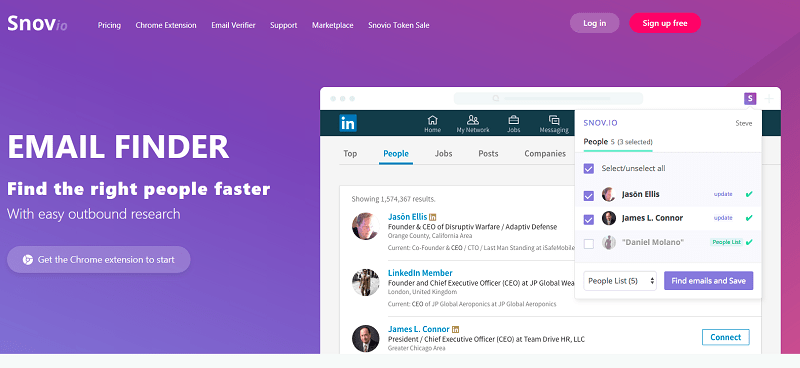 Snovio Email Finder: Useful App for Marketers and Sales People
 Heymarket: The Professional Way to Text
 7 Benefits of Cloud AI Platform
 Best MailerLite Integrations: 6 Must-Have Options
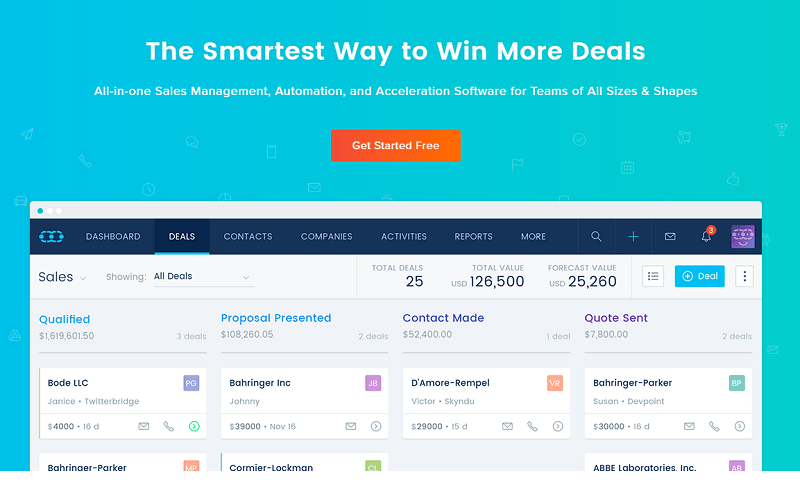 SalesMate: The Smartest Way to Make More Sales
 Top 6 Wix Integrations for Small Business Owners
 Ubersuggest: Keyword Research Made Easy (And Free!)
 18 Productivity Tools Every Marketer Must Use
 5 Free Photoshop Alternatives for Graphic Design
 The 5 Best Cold Email Tools for Building Leads at Scale
 Instapaper vs. Pocket: A Deep Dive into Read-It-Later Services
 Jephi: a Free Time Tracking Tool To Use If You Are a Freelancer
 Tips for Business Owners to Integrate AI Agents for Streamlined Operations
 Tech Tips To Enhance Your Small Business Operation