This is a sponsored post written by me on behalf of SharpSpring CRM for IZEA Worldwide. All opinions are 100% mine.
SharpSpring was launched back in 2014 as a full suite marketing tool to help businesses boost their marketing automation.
Since then, the company has built a customer base of 1500 digital marketing agencies worldwide and more than 7,000 businesses.
Today, I’m going to introduce you the new SharpSpring CRM, a powerful sales platform designed to help SMBs drive more leads, close deals, and increase sales revenue. And it’s free. Forever (you don’t even need a credit card).
Other than unlimited contacts and users, SharpSpring CRM includes all the sales tools needed to grow a business – site tracking, form builder, pipeline management, lead scoring, sales reports, social media listening, appointment scheduler, mail sync with platforms like Gmail and Outlook, and much more.
Let’s see some of the features in details.
Table of Contents
Site Tracking
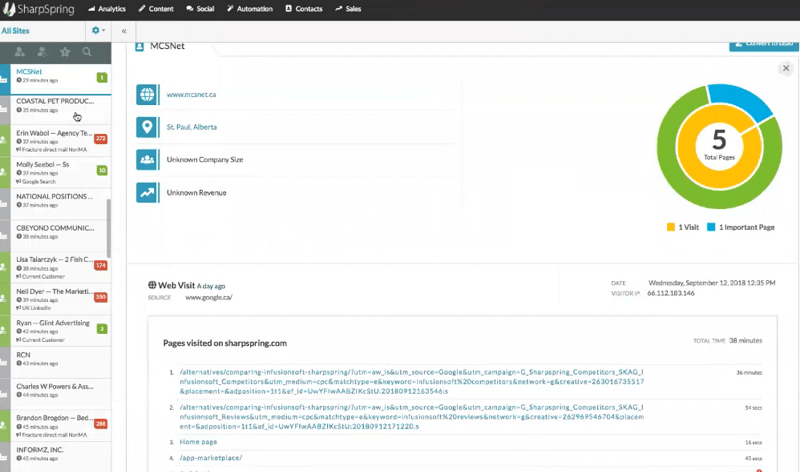
One way to find information about your leads is via the Site Tracking.
Thanks to this tool, you can gather data about people visiting your site, such as:
- where they are coming from (website);
- the area they are located in;
- what they are looking at in your site (or else, what they are downloading);
- how long they have been visiting a certain page;
- their lead score (according to the pages visited).
Social Listening Tool
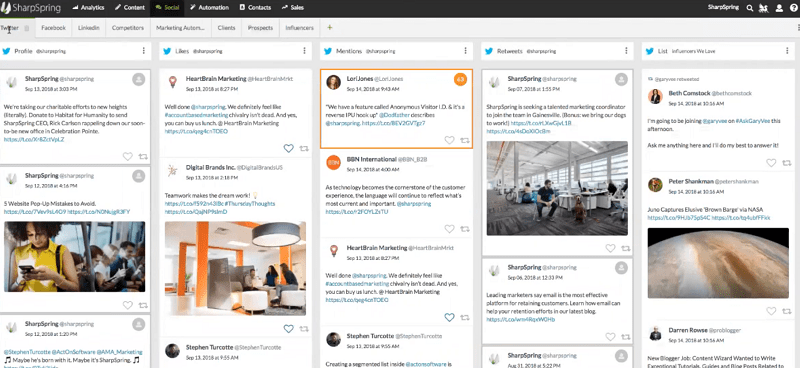 Thanks to this feature, you can follow different social media, including Twitter, Facebook, or LinkedIn.
You can, for example, apply a mark on the mention rule, which then applies a lead score on the user who is mentioning your business on social media (SharpSpring is the first free CRM for small businesses providing marking automation rules to a social interaction).
You may categorize your competitors and find what people are saying about them in the market.
You can also engage with your prospects (previously identified via Site Tracking tool), check what they are saying about your business and even escalate a one-to-one conversation.
Form Builder
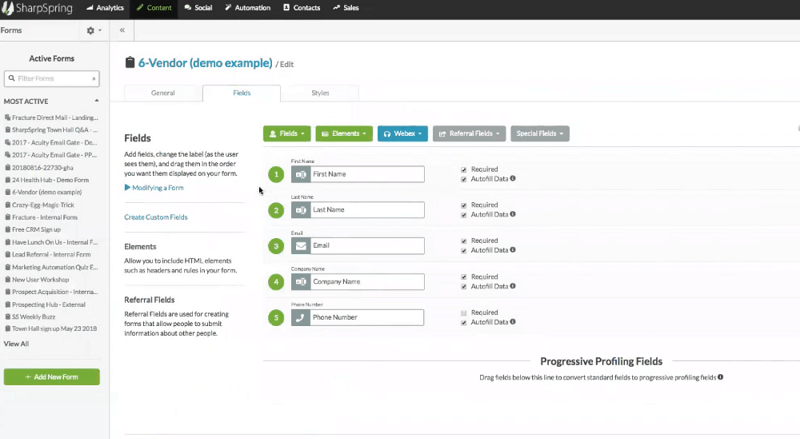
With this feature, you can build forms and upload them to your site to collect data and begin a conversation with your visitors.
Other than common fields such as first name, last name, and email, you can add other ones such as company name, phone number, city and many more.
Drag and drop any fields you want to move up or down, and make each one required or not (with autofill data option, as well).
If you have already the form live on your site, making changes via SharpSpring tool will automatically update it.
Contact Manager
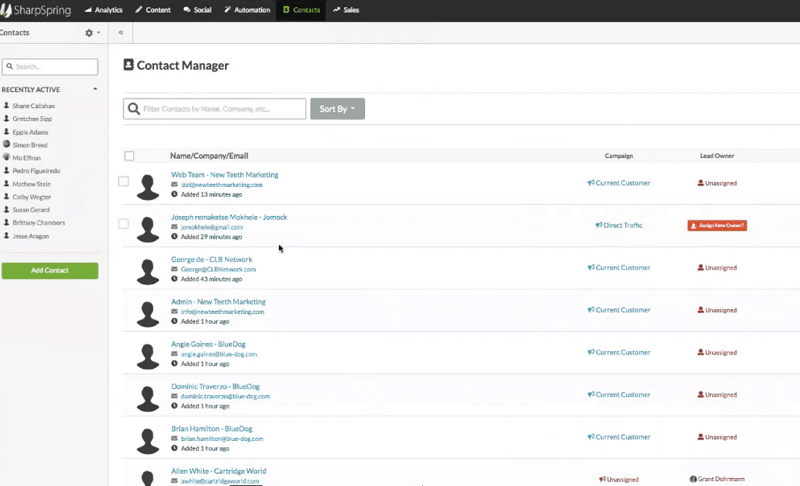
Once you have gathered the information about users, you can find the data in the Contact Manager feature.
A contact example will contain social profiles, company information to reach out, description, and notes sections. One of the neat things offered in Contact Manager feature is something called “life of the lead”. This includes all the communications that have been going on in your pipeline. For example, a lead who was an anonymous visitor, has filled out the form to become a registered user, received an informative email, tried out the demo later to finally become a customer.
Email Templates
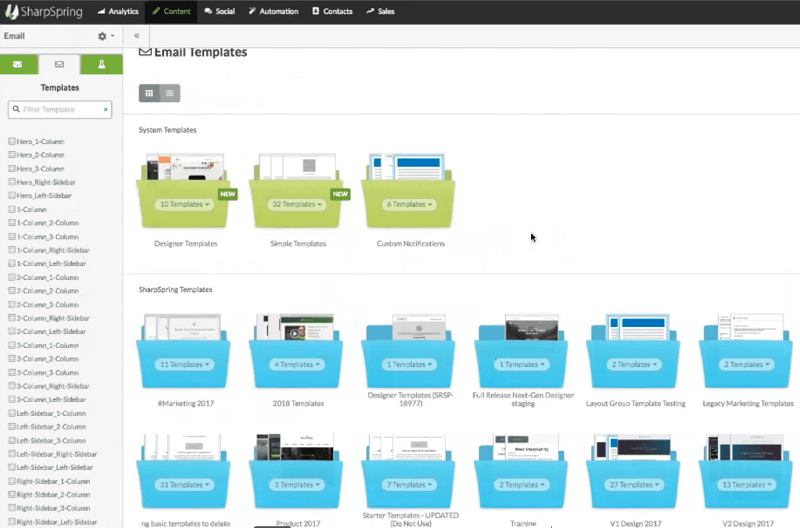
Once you have contacts in your system, you can then reach out via email.
This free sales CRM provides many design templates (which are already pre-created). They are responsive, so they will look beautiful on every device.
You can just choose the one you like more and send it out. Or, you may want to build your own design, using the creator tool offered by SharpSpring. It’s a robust, drag and drop builder with many options to craft the perfect email.
Additional Features
Many more features are included in this affordable marketing automation platform, including:
Lead Score
The Lead Score is a special feature. It’s not an already set algorithm, but can be customized, according to your business needs.
Set fit rules, engagement rules, to build your unique Lead Score system for every contact.
Pipeline Management and Report
In this section, you can manage all your contacts and talk with them. Once you have engaged with them, these are called “opportunities”.
The pipeline can be totally customized, based on different stages, according to your sales cycle. You can set values and probabilities to close the deals, and then make a forecast value of all your contacts (see interesting data, such as all the open opportunities, the deals you have closed, and many more).
In the report section, you can manage all your pipeline reports, including your sales team. Filter by time, date and sales representant. In a snapshot, you can get an overall view of what deals you are working, the different stages and the expected values of sales.
Conclusion
As you have seen, SharpSpring is a very unique platform in the CRM space.
All the tools and features explained in this post are included. And many more, such as:
- Mobile app for deals on the go
- Actionable reports to demonstrate ROI
- See every campaign, opportunity, list, workflow and email a lead is associated with
- ‘Smart Emails’ to personally contact leads right from the platform
- Internal note sharing for transparency across teams
What a smart way for any businesses to take advantage of a free opportunity to boost marketing automation and increase leads and sales!
So, what do you think?
Are you going to sign up and test SharpSpring CRM for your business?
Please share your views and leave a comment below, thanks!
Wait! Before You Go, Read:
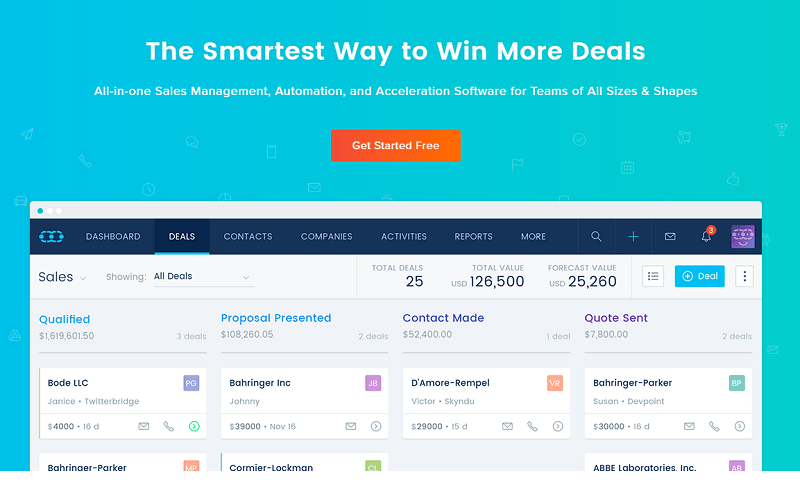 SalesMate: The Smartest Way to Make More Sales
 The 5 Best Cold Email Tools for Building Leads at Scale
 6 B2B Lead Databases You Can Use to Accelerate Sales
 How to Increase Conversion Rate of Your Sales Funnel
 Closing More Deals: How Sales Automation Transforms the Game
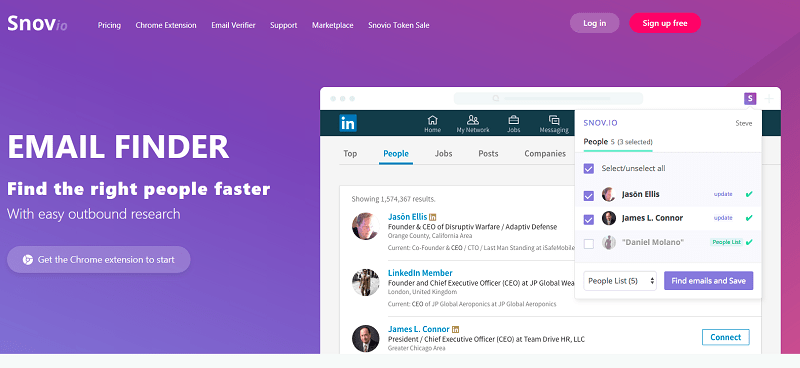 Snovio Email Finder: Useful App for Marketers and Sales People
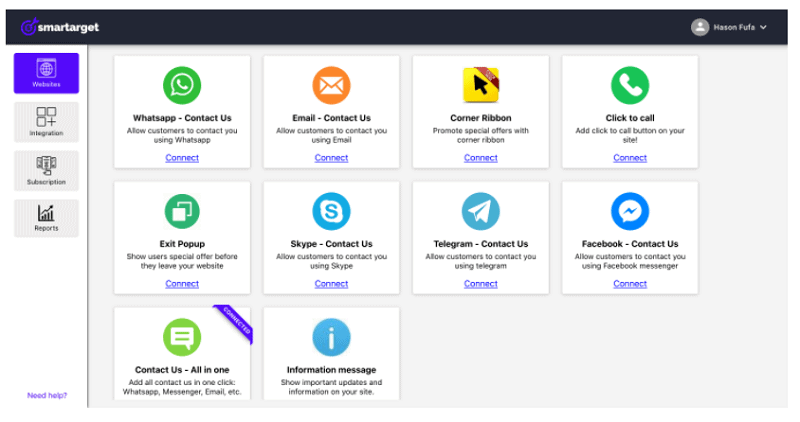 Smartarget: Improve User Engagement And Sales Without Coding
 Small-Business Sales Tips to Follow for Increased Revenue Today
 Best Sales Chatbot: 5 Choices + Tips and Features
 Eat, Sell, Close, Repeat: The NYC Hustler’s Guide to Sales Domination
 5 Free But Fantastic Google Tools Every Serious Content Marketer Should Never Ignore
 4 Awesome Free Tools to Increase Your Twitter Exposure + 7 Useful Tips
 More FREE Blogging Goodies – Check These 7 Free SEO Tools
 Ubersuggest: Keyword Research Made Easy (And Free!)
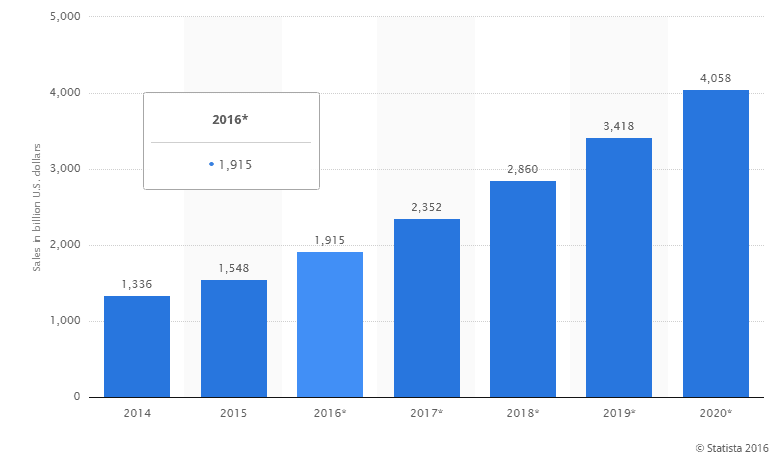 An Effective Strategy to Increase the Sales of Your eCommerce
 Jephi: a Free Time Tracking Tool To Use If You Are a Freelancer
 8 Effective Digital Marketing Tools for your Business in 2023
 Maximize Your Profit with the Help of These Conversion Rate Optimisation Tools
 Struggling for Sales? Here’s How to Fix the Problem
 She Leads, She Relaxes: 4 Empowering Techniques for Female Founders
 How Entrepreneurs Are Automating Growth and Results
 10 Free Online Tools to Monitor Your Social Media Influence
 Top 6 Wix Integrations for Small Business Owners
 5 Tips For Increasing Your Store’s Sales
 Top 10 Email Marketing Tools For Small Businesses