For those who cherish content but are often bugged by the lack of time, read-it-later services like Instapaper and Pocket have emerged as must-have tools.
This comparison is designed to dissect and digest the features, benefits, and limitations of both Instapaper and Pocket.
It provides a comprehensive guide for tech enthusiasts and business professionals alike, to make an informed decision about which service best fits their content consumption preferences.
Table of Contents
What Are Read-It-Later Services?
Before we deep-dive into the comparison, it’s crucial to understand what read-it-later services are. These digital tools allow users to save articles, videos, and other web content to a personal library for later viewing.
Ideal for individuals constantly stumbling upon interesting content but not always having the time to consume it immediately, these platforms not only help save content efficiently but also enhance the reading experience by offering a clean, distraction-free environment.
Instapaper
Instapaper, founded in 2008, offers a minimalist approach to saving and storing content. One of its standout features is the ability to not only save text-based articles but also videos for later viewing. Furthermore, it provides users with options to customize their reading experience, including adjusting text size, background color, and font type, making it a highly personalized digital reading nook.
Key Features:
- Text Optimization: Instapaper automatically strips down articles to their basic text and images, removing any extraneous ads or popups that can detract from the reading experience.
- Highlighting and Note-taking: Users can highlight key sections of articles and add notes for future reference.
- Offline Reading: Content saved on Instapaper can be accessed without an internet connection, perfect for subway commutes or flights.
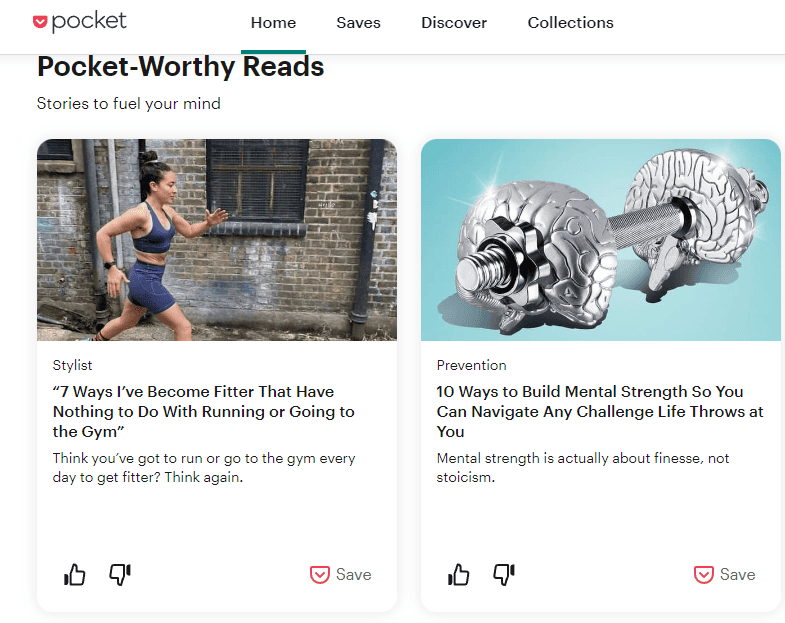
Pocket, initially known as “Read It Later” when launched in 2007, excels in its integration capabilities across a wide range of devices and platforms. With a focus on not just reading but also discovering new content, Pocket suggests articles based on the user’s interests and reading habits, acting as a curator for personalized content.
Key Features:
- Discovery Engine: Beyond merely a storage tool, Pocket recommends articles its algorithm believes you will enjoy, enhancing content discovery.
- Multimedia Support: It supports saving a variety of content types, including articles, videos, and images.
- Social Sharing: Pocket allows users to share their saved content directly with friends or across social media platforms, fostering a community of like-minded readers.
Comparing Instapaper and Pocket
User Interface: Both services offer clean, user-friendly interfaces; however, Pocket’s emphasis on content discovery provides a more vibrant, engaging UX with images and article previews directly within the app.
Customization: Instapaper shines with its customization options for the reading experience, catering to users who prefer a tailored approach to content consumption.
Content Discovery: Pocket takes the lead in content discovery through its recommendation engine, offering users not just a space to save content but also to find new content aligned with their interests.
Accessibility: Both platforms excel in multi-device synchronization, ensuring users can save and access their content across tablets, phones, and computers. However, Pocket’s wider range of integrations with browsers and apps might edge out for those heavily embedded in various ecosystems.
The Verdict
Choosing between Instapaper and Pocket ultimately hinges on what the user values more in their content consumption experience. Instapaper is best suited for readers who desire a highly customizable reading environment focused on text-based content. On the other hand, Pocket is ideal for users who not only want to save content but also discover new articles and media in a visually engaging and social manner.
Regardless of the choice between Instapaper and Pocket, both services offer exceptional value in managing the digital overflow of information, providing users with the tools to curate their own reading environment tailored to their preferences. Thus, they stand as testament to how technology can transform information chaos into an organized, enjoyable learning experience, catering to the diverse needs of tech enthusiasts and business professionals in our rapidly evolving digital landscape.
Wait! Before You Go, Read:
 Navigating the Future of Investments: A Deep Dive into Real Estate Crowdfunding
 Top Books an Entrepreneur Should Read
 I’ll Never Read Your Posts Again, You Know Why?
 How to Learn Deep Learning in 2025: A Beginner-Friendly Roadmap
 Services With Virtual Numbers For Creating A Linkedin Account
 3 Digital Marketing Tips for Professionals Selling their Services
 Streamlining Your Business with Cyprus Company Formation Services
 What SEO Services Can Law Firms Expect When Working With Rankings.io?
 Charlotte Pre-Employment Drug Testing Services Guide
 Gmail Workspace Labs: The New Features With AI
 How to Choose the Best Budgeting App For You
 How to Choose the Best Stock Research Platform
 5 Free Photoshop Alternatives for Graphic Design
 Maximizing Efficiency: 5 Must-have Tools for Solopreneurs
 Best MailerLite Integrations: 6 Must-Have Options
 Protecting Your Privacy with Google Chrome: An Overview of Its Privacy Settings
 Behind the Scenes of AI Tools: What Powers Them and Why It Matters
 4 Awesome Free Tools to Increase Your Twitter Exposure + 7 Useful Tips
 10 Best Personal Finance Apps
 Best Tips for PTE Reading Multiple Choice Multiple Answers
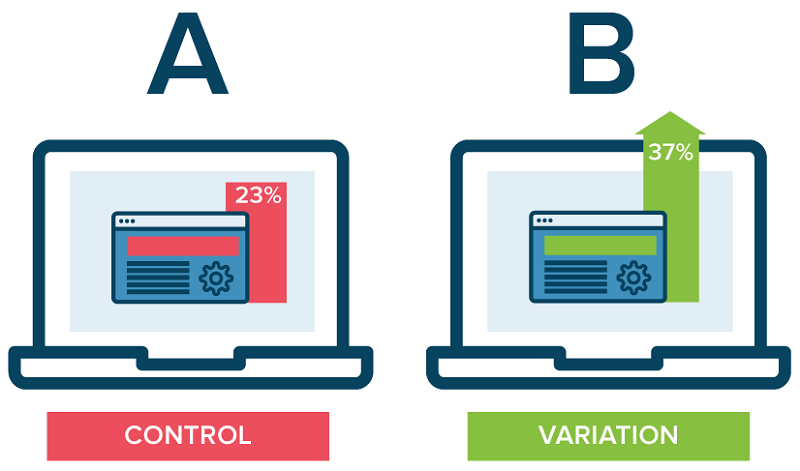 Maximize Your Profit with the Help of These Conversion Rate Optimisation Tools
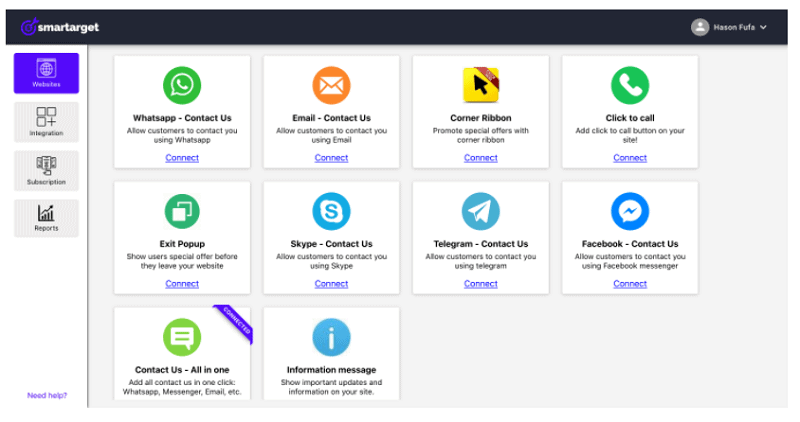 Smartarget: Improve User Engagement And Sales Without Coding
 Best AI Tools To Instantly Design Business Cards In 2025
 Dropbox Hidden Features: 6 Tips to Unlock Its Power
 Choosing the Best Financial Research Platform: 10 Tips