As a freelancer, staying organized and efficient is crucial for success—especially for freelancers and small business owners who juggle multiple roles.
Google Calendar is a powerful tool for managing your schedule, but its true potential is unlocked when integrated with other useful applications.
Here, we explore some of the best Google Calendar integrations that can transform your workflow and boost your productivity.
Table of Contents
1. Trello: Streamline Task Management
Why Integrate Trello with Google Calendar?
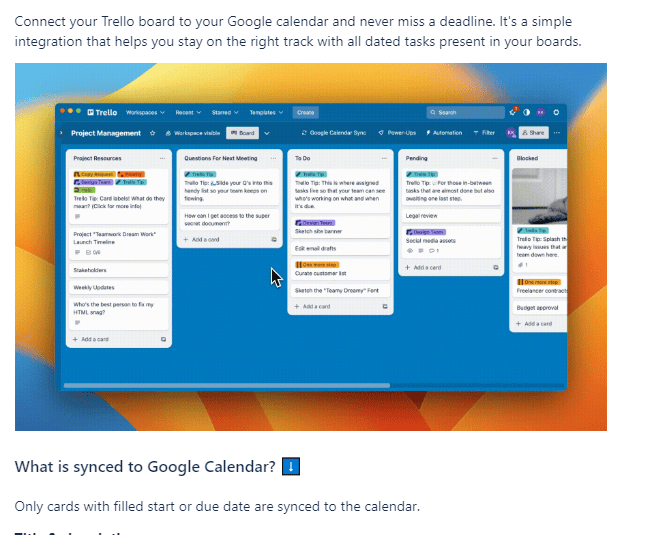
Trello is a popular project management tool that uses boards, lists, and cards to organize tasks. Integrating Trello with Google Calendar ensures that all your deadlines and project milestones are synced, so you never miss an important date.
How to Set It Up
- Navigate to Trello’s “Power-Ups” section.
- Search for the Google Calendar integration.
- Follow the prompts to connect your Google account and select the boards and lists you want to sync.
Benefits
- Visual Organization: See your Trello tasks directly in your Google Calendar.
- Automated Updates: Changes in Trello instantly reflect in your calendar.
- Enhanced Collaboration: Team members can track shared tasks more effectively.
2. Slack: Enhance Team Communication
Why Integrate Slack with Google Calendar?
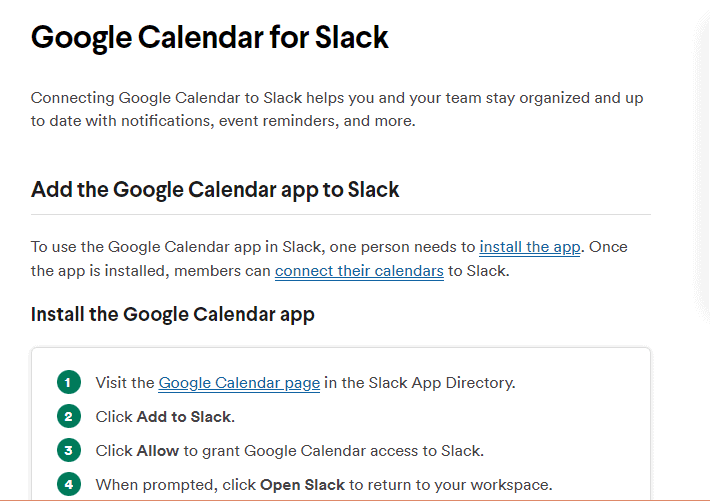
Slack is a team communication platform that centralizes your messaging, making it easier to collaborate. By integrating Slack with Google Calendar, you can receive reminders and updates on upcoming meetings and deadlines directly in your Slack channels.
How to Set It Up
- Go to Slack’s App Directory.
- Search for “Google Calendar.”
- Follow the setup guide to link your Google Calendar account.
Benefits
- Timely Notifications: Get reminders about upcoming events without leaving Slack.
- Shared Calendars: Easily share calendar events with your team.
- Event Creation: Create new calendar events directly from Slack.
3. Asana: Improve Project Tracking
Why Integrate Asana with Google Calendar?
Asana is another robust project management tool that helps teams track their work. Integrating Asana with Google Calendar allows you to visualize your Asana tasks within your calendar, helping you manage your time more effectively.
How to Set It Up
- In Asana, go to the project you’d like to sync.
- Click on “Export/Print” and select “Sync to Calendar.”
- Follow the instructions to add the iCal URL to your Google Calendar.
Benefits
- Centralized Scheduling: View all your project deadlines in one place.
- Better Time Management: Allocate your time more efficiently by seeing tasks alongside other calendar events.
- Seamless Updates: Automatically sync new tasks and deadlines from Asana to Google Calendar.
4. Zapier: Automate Your Workflow
Why Integrate Zapier with Google Calendar?
Zapier is an automation tool that connects different apps and services, enabling you to create automated workflows (referred to as “Zaps”). Integrating Zapier with Google Calendar can help automate repetitive tasks, saving you time and effort.
How to Set It Up
- Sign up for a Zapier account.
- Choose Google Calendar as your trigger app.
- Select an action app (e.g., Trello, Slack, Asana) and set up your desired workflow.
Benefits
- Time Savings: Reduce manual tasks by automating them.
- Custom Workflows: Tailor automations to fit your specific needs.
- Efficiency Boost: Streamline complex processes across multiple apps.
5. Zoom: Simplify Meeting Scheduling
Why Integrate Zoom with Google Calendar?
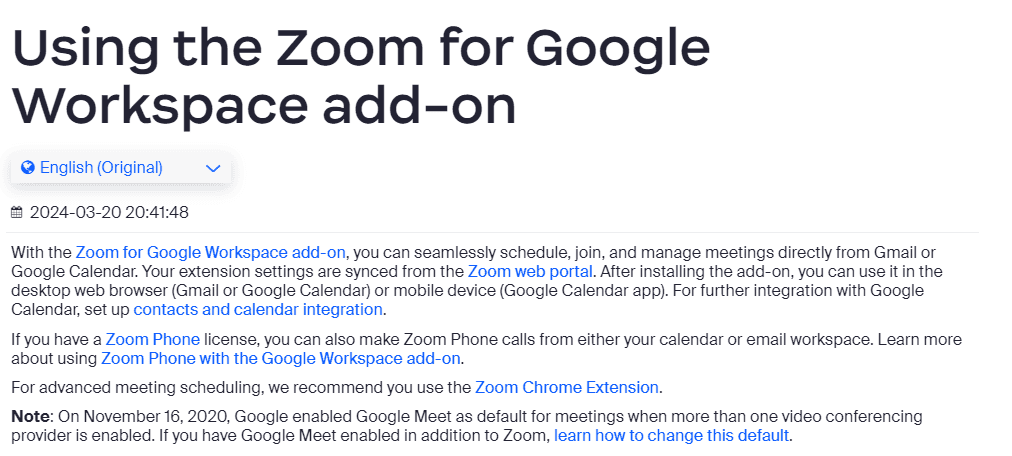
Zoom is a leading video conferencing tool that facilitates virtual meetings. By integrating Zoom with Google Calendar, you can schedule and join meetings directly from your calendar, making the process seamless.
How to Set It Up
- Install the Zoom extension for Google Calendar.
- Sign in to your Zoom account and authorize the integration.
- Create a new calendar event and add Zoom meeting details with a single click.
Benefits
- Effortless Scheduling: Quickly schedule meetings with all necessary details.
- One-Click Access: Join Zoom meetings directly from calendar events.
- Meeting Reminders: Receive timely reminders for upcoming meetings.
Conclusion
Integrating Google Calendar with other productivity tools can significantly enhance your workflow, making it easier to manage tasks, communicate with your team, and stay on top of your schedule. Whether you’re a freelancer seeking to streamline your projects or a small business owner aiming to optimize team collaboration, these integrations offer valuable solutions to elevate your productivity. Consider getting Microsoft 365 to boost even further your productivity.
Ready to unlock the full potential of your Google Calendar? Try out these integrations and experience a new level of efficiency in your daily operations.
Wait! Before You Go, Read:
 Best MailerLite Integrations: 6 Must-Have Options
 How to Boost Your Business and Productivity Using Gmail With Hiver
 Top 6 Wix Integrations for Small Business Owners
 6 Best Facebook Integrations for Small Businesses
 Top Squarespace Integrations: 6 Must-Have Tools
 Top AI Chrome Extensions (8 Best Options You Can Try)
 18 Productivity Tools Every Marketer Must Use
 How to Create a Content Creator Schedule That Enhances Productivity
 Adding Analytics to Microsoft Products for Improving Productivity
 5 Smart Habits Every Design Agency Should Develop To Amplify Productivity
 10 Practical Lifehacks All Online Entrepreneurs Need to Know
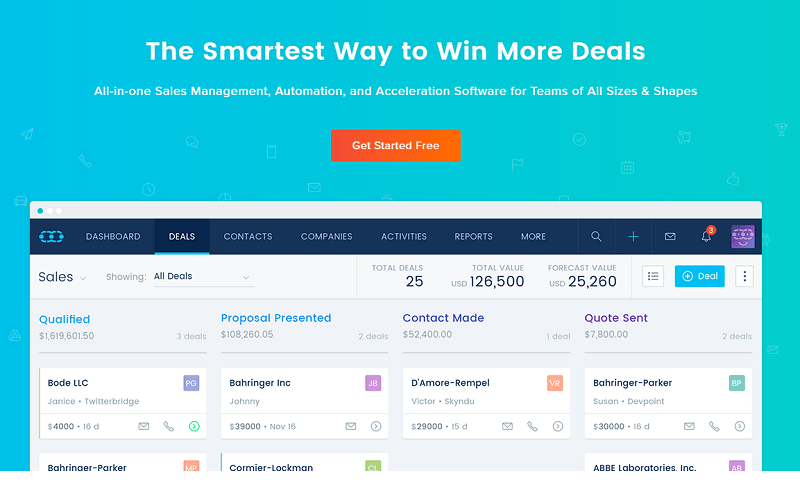 SalesMate: The Smartest Way to Make More Sales
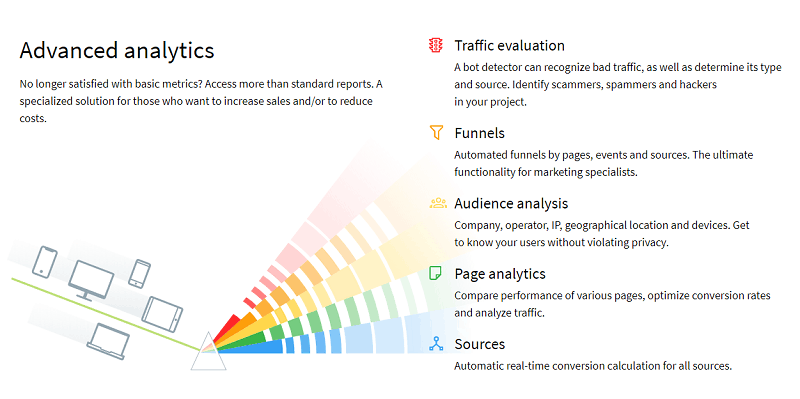 How to Use Finteza to Boost Your Website Conversions Analyzing Quality Traffic
 Why Is My Google Search Not Working? Here’s How to Fix It
 How to Get More Done with Less: Tools and Team Models for Remote Success
 5 Free But Fantastic Google Tools Every Serious Content Marketer Should Never Ignore
 10 Tips to Beat Google Panda and Google Penguin Update
 How to Create an Electronic Signature (6 Options Explained)
 How to Maximize Privacy and Productivity with Smart Cubicle Design
 New SEO Tools for You in Google Webmaster Tools and Analytics
 How Go Go Gold Can Boost Your Online Income Strategy
 Tips for Using Google Analytics Effectively
 Google Drive ‘Security Update’ Bringing Changes in Link Share Settings
What Makes Some Businesses Show Up First On Google In Singapore With Local SEO?
Google Drive ‘Security Update’ Bringing Changes in Link Share Settings
What Makes Some Businesses Show Up First On Google In Singapore With Local SEO?
 How Google Chrome 62 Can Affect Your SEO and Online Business