Linkedin is a great place to find new business connections. However, sending mass business emails on the platform is not for the faint of heart. While it is possible to send messages to many people at once, the odds of getting a response from any one contact are slim to none.
The trick is to select a target list that is targeted but not too broad. For instance, you may want to opt for a smaller group of first-level contacts. Alternatively, you may choose to contact only those of a certain age or demographic. You can even filter your contacts by company, location, tag, and title.
Table of Contents
The Benefits of Sending Mass Business Emails on LinkedIn
Whether you have been using LinkedIn for years or are just getting started, there are some advantages to sending LinkedIn mass emails. These include the fact that InMails tend to be viewed 166% more often than emails. Plus, shorter InMails have been shown to receive higher reply rates.
Open Rate Is 166% Higher Than Email
Using LinkedIn’s InMail to connect with prospects and customers is no doubt a worthwhile exercise. It’s the ideal way to stand out from the crowd and the odds are you’ll get a response. If you’re having trouble figuring out how to go about it, the company has an official email help page that’s a must-read.
There’s a lot to be said for using LinkedIn’s InMail feature, not the least of which is the fact that it’s a proven way to boost open rates. Unlike traditional email, LinkedIn restricts the number of Message Ads per member, thereby eliminating duplicates from the inbox. It also has an award-winning InMail team to boot. Keeping the email inbox in check is a top priority for salespeople.
Combining LinkedIn Promo And Email Marketing
Whether you’re marketing to consumers or B2B, using a combination of LinkedIn promo and email marketing can help you grow your business. To succeed, you’ll need a strategy that’s targeted to your audience and your goals. The most important aspect of an email is the content. Sending the right email to the right people can make a big difference in the amount of revenue you generate.
One way to achieve this is by participating in industry discussions. LinkedIn is the perfect place to interact with other professionals in your field. You can participate by posting quality content and joining groups.
Ways To Ensure Your Mass Email Reach The Proper Contacts
Whether you’re sending a mass email to LinkedIn contacts organically or via a third-party email provider, there are five things you can do to ensure that your emails get to your target audience. This includes personalizing your message, responding to spam, and using automation to increase cold mailings.
Personalization Tags Ensure A Personal Feel To Your LinkedIn Invite Message
Among the countless LinkedIn-related activities, tagging the coveted profile picture on the site is one of the best ways to engage your fellow BFFs. Besides the fact that it is a lot of fun, it also happens to be a great way to network with other high-flying professionals. You can choose from several options, like LinkedIn Groups and Mutual Connections. Using these services to your advantage will help you land the coveted job.
Linked Helper Automation Can Increase Cold Mailing To Your Target Audience
Linked Helper is a cool local application for Mac or Windows that boosts your brand’s clout on LinkedIn. It’s also a smart way to manage multiple accounts. It even has an integrated CRM. A cool feature is the ability to build a targeted mailing list. The software also has an extensive FAQ section.
LinkedHelper can automate your prospecting process, which is especially useful if you’re a small sales team. Using this software can also save you a lot of time. It has a six-step guide to setting up your email campaigns for maximum impact. It’s also easy to customize the software to your liking. The app makes it easy to build the most relevant email list based on who you’re targeting. You can also segment your contacts based on various criteria, such as location, company size, and more.
LinkedIn’s Algorithm Considers Low-Quality Posts As Spam
Getting your posts noticed on LinkedIn requires a good understanding of its algorithm. The algorithm uses dozens of factors to measure each post. This includes predicting relevancy, user interactions, and other key factors. There are three levels to the algorithm, and posts are arranged based on their scores and popularity.
The best-performing posts will appear under the “trending content” tab on the LinkedIn app. The algorithm also identifies the most relevant hashtags and topics for a post. It also prioritizes posts from people who engage often and from those who have similar interests and skills.
Respond To Spam Messages On LinkedIn
Having a spam-free profile is the only way to avoid receiving LinkedIn spam messages. The algorithm that sorts content for distribution on the social networking site prioritizes posts that get engagement. Those that do not get engagement are then pushed to a smaller group of followers.
It is best to send personalized LinkedIn messages to your prospects. That way, they will feel like you are speaking to them rather than a robot. However, sending personalized messages is time-consuming and tedious.
The Bottom Line
Linkedin business emails abound, but do you know which ones to avoid? What you need to do is find out. If you have the time and patience, you can test your mettle with a free trial of Linked Helper’s email marketing software. While it is possible to send messages to thousands of contacts, it is not advised. If you are on a budget, you may have to forego some of the more advanced features of the program.
Wait! Before You Go, Read:
 How Email Verification Can Boost Your Open and Click Rates
 9 Essential Tips to Use LinkedIn to The Fullest
 The Top 5 Dedicated Email Deliverability and Warm-up Tools Powered by AI
 Top 10 Email Marketing Tools For Small Businesses
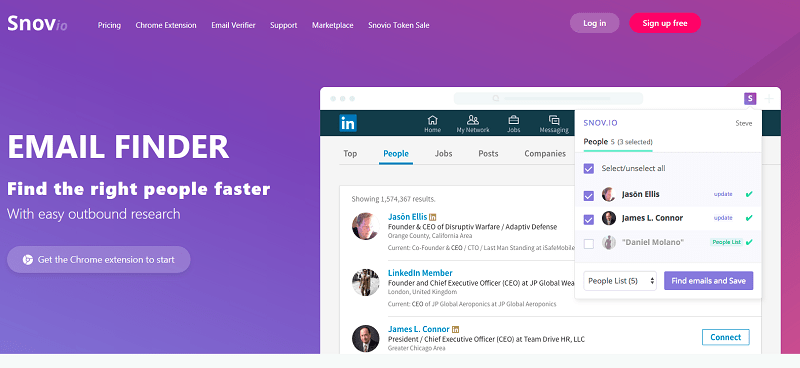 Snovio Email Finder: Useful App for Marketers and Sales People
 The 5 Best Cold Email Tools for Building Leads at Scale
 What Is Artificial Intelligence And How Can It Improve Email Marketing?
 Services With Virtual Numbers For Creating A Linkedin Account
 How Can I Use Klaviyo’s Email Templates to Improve Customer Segmentation
 What Metrics Should You Track to Evaluate Continuous Testing Effectiveness?
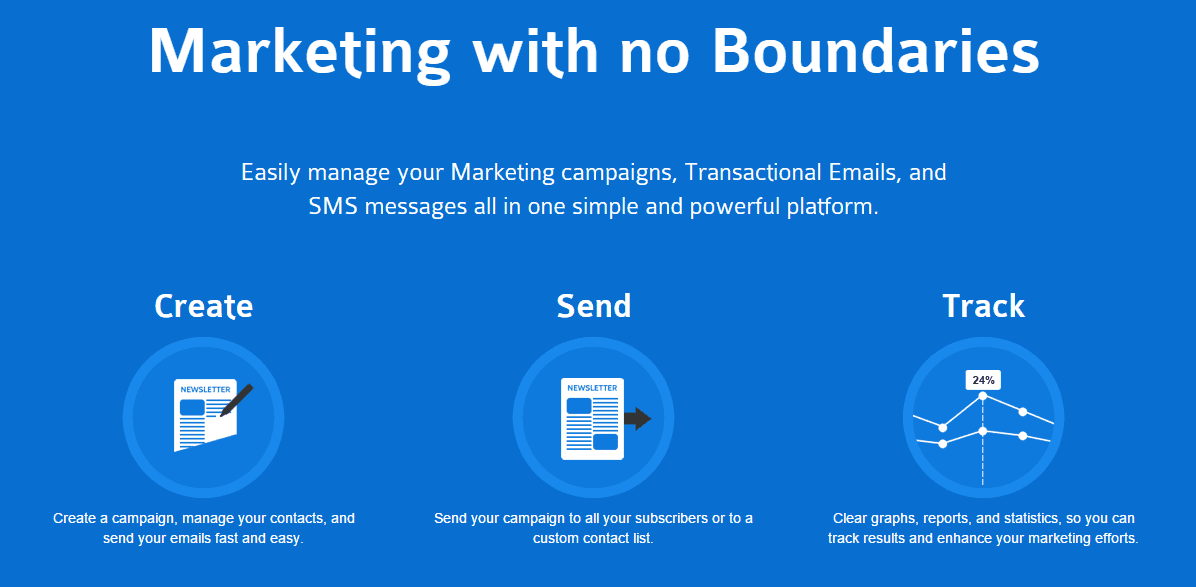 E-Mail Marketing (And More) with SendinBlue : a New MailChimp Alternative
 6 Emailing Tips from the Best Online Marketing Blogs
 Investment or Expense? Analyzing the Cost-Effectiveness of Upgraded Rear Leaf Springs
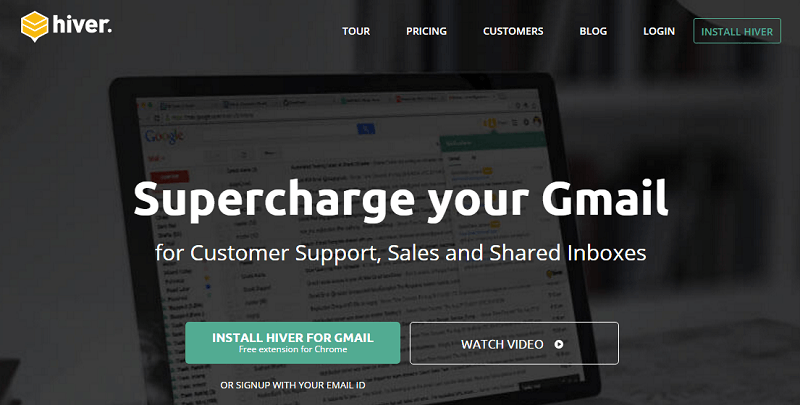 How to Boost Your Business and Productivity Using Gmail With Hiver
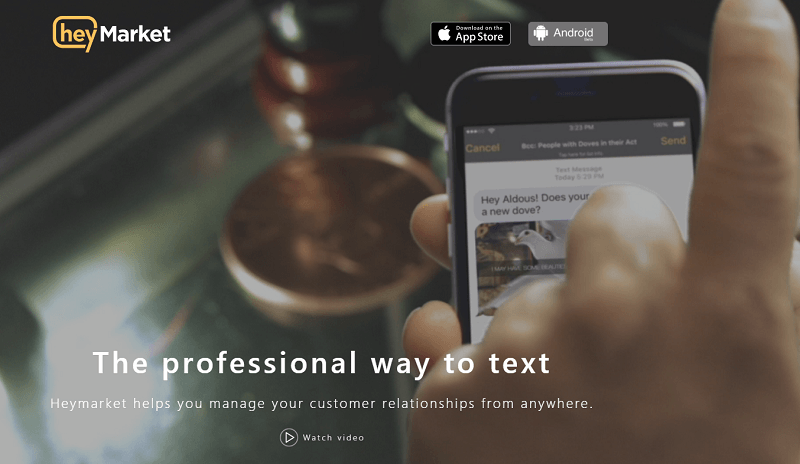 Heymarket: The Professional Way to Text
 How to Get More Subscribers for Your Email List
 5 Best Blogger Outreach Tools for Building Relationships
 How to Get More Leads and Convert Them into Sales With SharpSpring Free CRM
 6 B2B Lead Databases You Can Use to Accelerate Sales
 How To Promote Affiliate Offers On Facebook
 4 Types Of Marketing For Big Brands
 When Is it Time to Hire Out for Social Media Posts for Your Business?
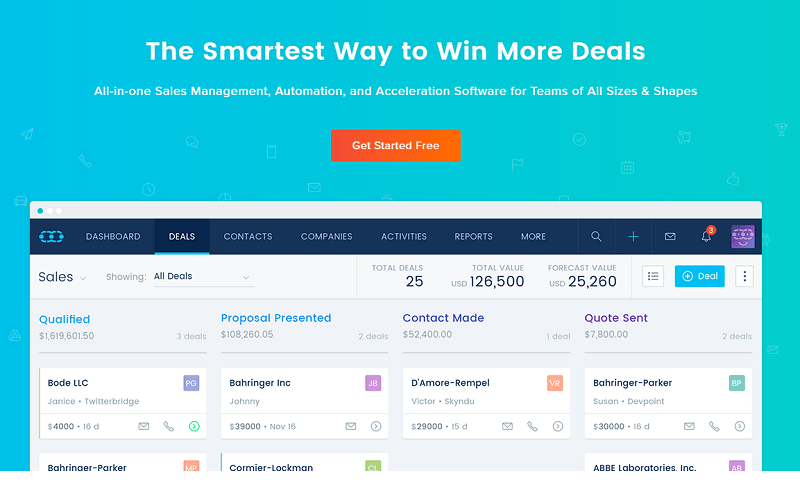 SalesMate: The Smartest Way to Make More Sales
 Killer Tips for Constant Daily Facebook Likes -Get More Fans
 How to Set Blank Status on WhatsApp?
Targeting this approach helps you to avoid many problems on LinkedIn. Mass sending random or non-targeted users emails almost always leads to reputation loss because it generally seems to be perceived as a lazy approach. However, as you mentioned, targeting each LI connection on the mass message gives you greater potential as far as getting favorable applies. Keen strategy here. Thanks for sharing.
LinkedIn is a great place to find new business connections. However, sending mass business emails on the platform is not for the faint of heart. Targeting this approach helps you to avoid many problems on LinkedIn. Mass sending random or non-targeted users emails almost always leads to reputation loss because it generally seems to be perceived as a lazy approach. However, as you mentioned, targeting each LI connection on the mass message gives you greater potential as far as getting favorable applies. Keen strategy here. Thanks for sharing.