Google Analytics is the web metric software of choice for many small business websites. It is a tool which can be installed on your site for the purpose of showing what is happening.
However, many business owners fail to make proper use of the data provided by analytics due to lack of resources or lack of skills.
The following are some tips which will help you use analytics more effectively for your business website.
Table of Contents
1. Establish Your Goals
When someone visits your site, there is an action you want them to take. This could be filling a questionnaire, purchasing a product, signing up for your mailing list or downloading a document.
Having these kinds of goals will make your analytics more meaningful.
For instance, you will be able to know how many people signed up for your mailing list, and how they found your site.
If you don’t have any goals, then analytics becomes useless.
2. Create a Dashboard
Many times, the amount of data produced by analytics can be quite overwhelming.
So how can you reduce your analytics to a manageable size? Simply create a dashboard which only carries the data of importance to your business.
For instance, your dashboard could offer information such as a list of referring sites, the keywords used to find your site or show where visitors are coming from.
It could also indicate which of your content is most popular with readers.
In case you are running a specific campaign, it would be advisable to create a separate dashboard to monitor its progress.
3. Video Event Tracking
For many businesses, video content is an essential part of their marketing strategy. You will need to keep track of the number of people who have watched your videos.
Analytics can help you monitor the amount of time people spend interacting with your content, as well as activities such as clicking on the play, rewind and pause buttons on your player.
To insert the tracking code on your website, you might need the help of a professional web developer.

4. Branded vs. Non-Branded Traffic
Though most businesses have dedicated customers who purchase goods and services on a regular basis, they are also constantly looking for ways of attracting new customers to their websites.
You need to think of keywords or phrases which your prospects are likely to use when searching for you.
Set up your analytics to show you the amount of traffic received, as well as which branded and non-branded terms visitors use to find your site. Remember to exclude your own visits to the site.
You may be interested in reading this : 35+ Traffic and SEO Tips & Articles From Bloggers
5. Set Up Social Channels
Analytics is a great tool for monitoring social media activity.
Set up your analytics to keep track of your social accounts such as Facebook, Twitter, LinkedIn and YouTube.
You will then be able to know how much traffic the social channels are generating for your site, as well as the number of conversions resulting from your social activities.
6. Campaign Tracking
Your online marketing strategy is likely to include activities such as social media updates, submitting links to other sites, email marketing and pay per click advertising.
You can set up your analytics to show which activities are producing the best results for your business.
For instance, you could share the same information on Twitter and Facebook. Analytics will show you which audiences gave a better response to your content.
You may be interested in reading this : How to Get Likes on Facebook – 500 and More FB Likes in 2 days!
7. Internal Site Search
When visitors are searching for something in your site, they are likely to enter a phrase in the search box.
Once you turn on your site search tracking, you will be able to monitor these searches and find out what kind of information most people are looking for.
In addition, analytics will show you how long they remained on your site, the number of pages browsed and whether they met any of your set goals.
8. Cross Domain Tracking
Some businesses have their information contained in several domains. For instance, you might have a business site, a blog and an ecommerce site all hosted on different domains.
You can set up your analytics to monitor results across different domains. This is a task which will require the help of a professional web developer.
Once the tracking code is set up, you will be able to monitor web users as they move from one site to another.
Image courtesy of bulldogza at FreeDigitalPhotos.net
Wait! Before You Go, Read:
 New SEO Tools for You in Google Webmaster Tools and Analytics
 Adding Analytics to Microsoft Products for Improving Productivity
 10 Tips to Beat Google Panda and Google Penguin Update
 3 Simple Tips to Promote Your Blog on Social Media
 How to Rank a Blog Post on Google: Tips and Tricks!
 4 Tips To Attract New Customers To Your Website
 Remove Your WordPress Site from Google Blacklist: 5 Simple Steps
 5 Free But Fantastic Google Tools Every Serious Content Marketer Should Never Ignore
 How to Analyze Your Site Traffic and Improve Your Conversions With Ptengine
 Eight Methods for getting the Most out of Google Search
 How to Build Your Coming Soon Page with Under Construction Plugin
 Tips For Combining SEO & Content Marketing
 Protecting Your Privacy with Google Chrome: An Overview of Its Privacy Settings
 How Google Chrome 62 Can Affect Your SEO and Online Business
 Affiliate Marketing: 4 Amazing Tips to Optimize Your Campaigns
 How to Use Finteza to Boost Your Website Conversions Analyzing Quality Traffic
 SEO Copywriting: 10 Techniques to Write for Users and Google
 Using Visuals in Technical Blogging: 3 Tips for Enhancing Clarity and Engagement
 5 Tips to Have Your Website Translated and Localized
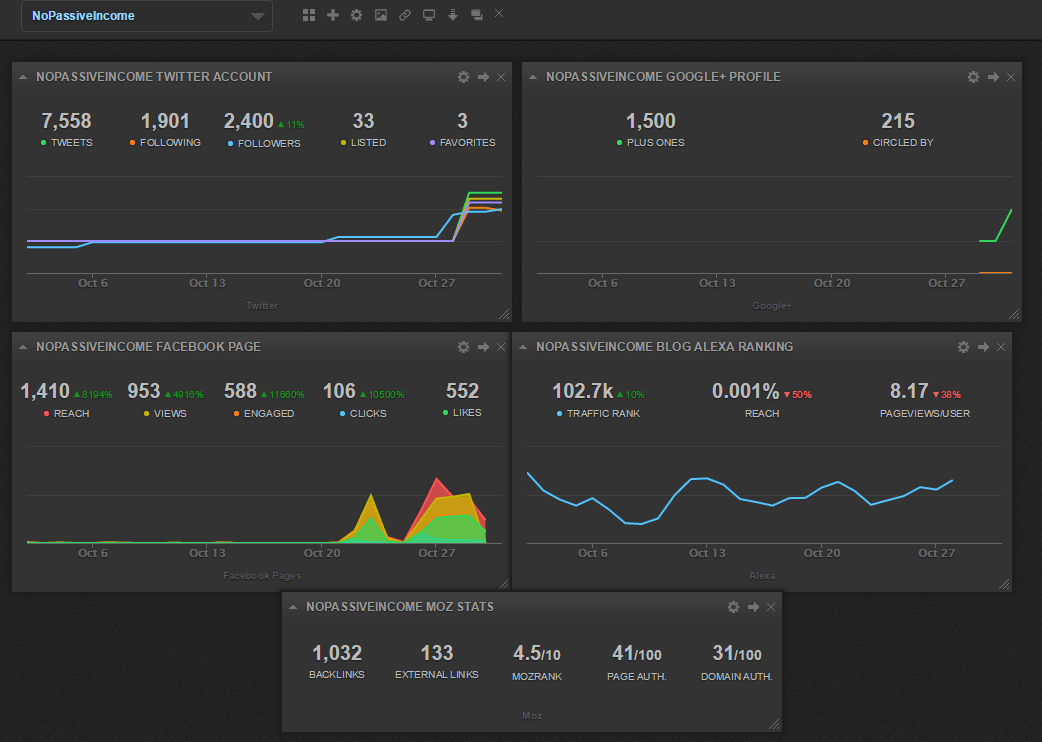 Cyfe : Your Multifunctional Dashboard With All-In-One Monitoring
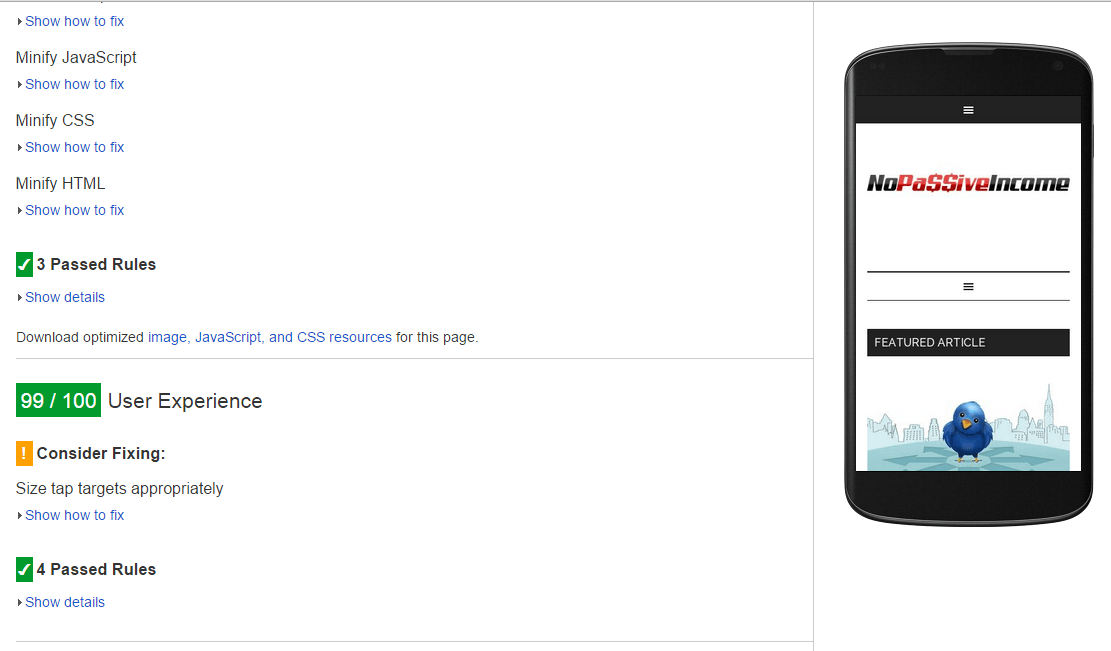 10 Blog Habits to Help You Being Penalized by Google
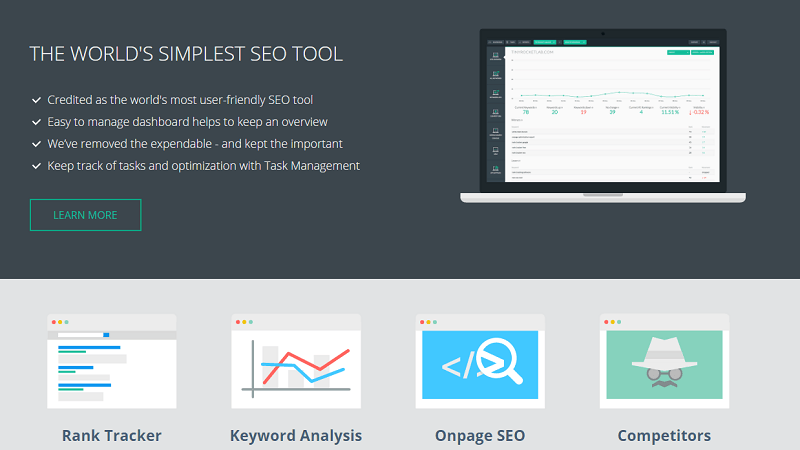 Tiny Ranker: Keep Track Of Your Site Rankings And Onpage Seo Efforts
 4 Ways to Get Traffic from Google Images
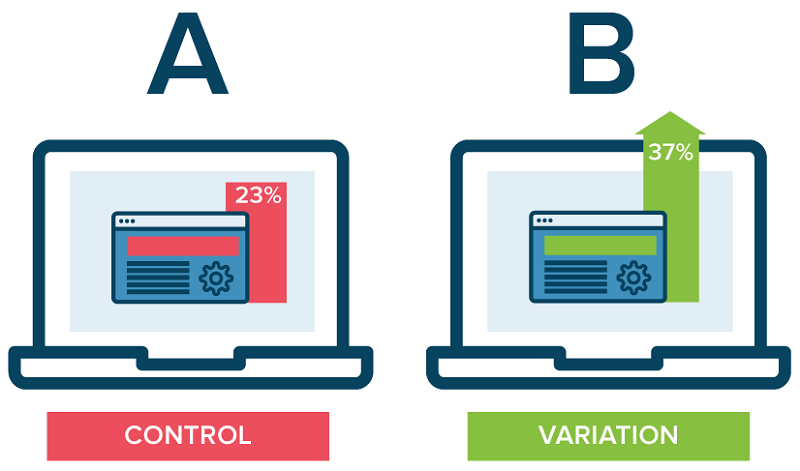 Maximize Your Profit with the Help of These Conversion Rate Optimisation Tools
 Top 6 Wix Integrations for Small Business Owners
Hey Charles,
I’d like to get into the details of point #5 – Set Up Social Channels. I need to measure the weight of social medial on my blog using channels.
Trying to figure that out right away.
Establish Your Goals is perhaps the most important for Using Google Analytic effectively but without any goals it becomes useless.
I agree totally. Thanks for stopping by!
Nice, I need to try google analytics. Are there any plugin in wordpress which i can view my GA dashboard inside wp admin?
Periodic recording of each event happening in the analytics dashboard and analyzing them to see the traffic growths, bounce rates.
Great post Charles,
I was looking some more information about setting up Goals in Analytics. Looking for a tutorial how you can set up your blog for this and what actions you need to take in Analytics so that events on your websites are tracked and reported.