For years, Google Chrome is a well-liked web browser for a lot of online business owners.
Do you also prefer this browser? If yes, you may want to check out the latest update for desktops called Chrome 62 that was released on October 17.
Let’s see how this update will change the game.
Table of Contents
What’s New With Google?
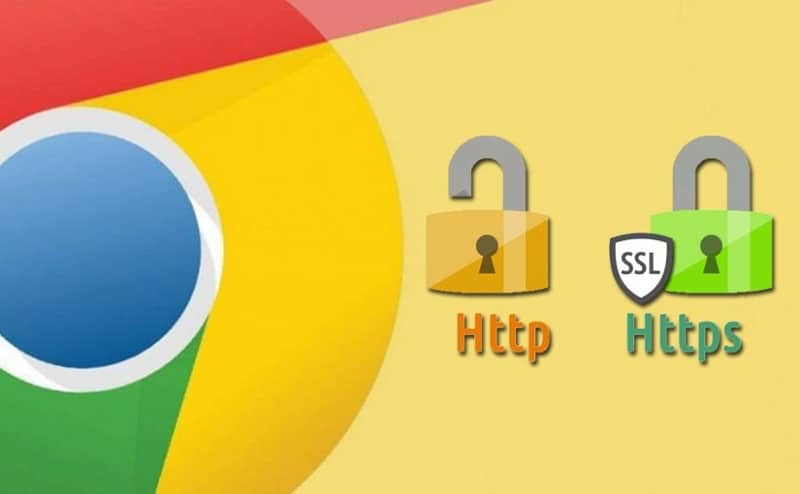
Google puts a lot of effort into improving the security of browser users, making more effective tools and extensions. Same goes for Chrome 62.
This new Chrome update doesn’t only imply a browser change but also a new way of work when it comes to search engines. These changes are going to result in a win-win situation for customers and businesses. By avoiding unsecured websites, browser users will have a much safer experience while surfing online. On the other hand, businesses that own fully secured sites are more likely to obtain trust and thus higher clickthrough rate.
In particular, Chrome 62 is designed to increase users’ safety by letting them know if a certain website is completely safe or not. So, when you use this browser for your research, it will mark HTTP pages as “not secure” if they attempt to collect data like search queries, login details, registrations, and banking or financial information.
How to See if Your Website Is Secured or Not?
One might ask, how to recognize an unsecured site? An unsecured website has “HTTP” address, while a secured page has “HTTPS” address.
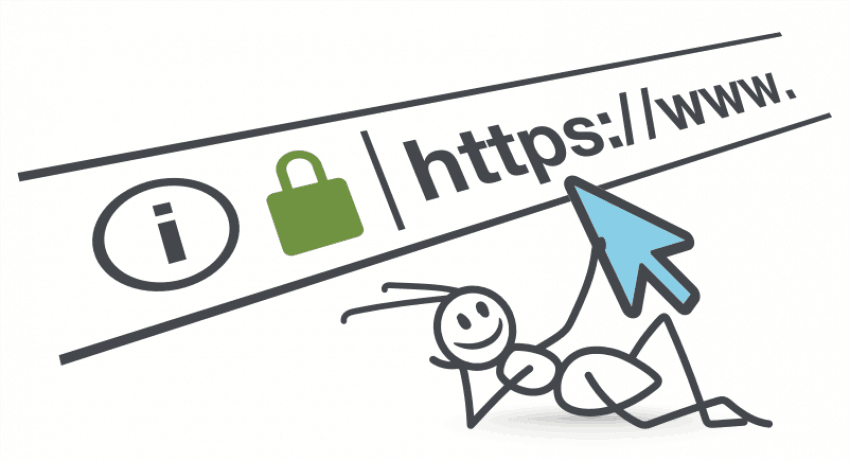
In the URL bar, you will notice a green padlock followed by the label “Secure” if a website is trusted. HTTP sites will be flagged with a red warning triangle and marked “Not secure.”

These symbols are meant to instantly notify browser users if a website is safe to leave any details and browse through.
How Will This Affect Your SEO and Online Business
Those websites that fit all the security requirements by Google will see a significant rise in Quality Score. Otherwise, your webpages will be pushed down in Google search results which will affect your Quality Score and SEO badly. This is particularly true for PPC and SEO advertising.
Many websites have already been labeled as non-secure because they have collected credit card information and/or passwords from their users. According to Google, there has been a 23 percent reduction in the traffic that leads to insecure HTTP pages since the change in previous Chrome 56 version.
With the latest Chrome 62 changes, we can expect that this rate is going to be increased in the near future. That’s because Google will flag all the webpages with any type of input fields. This means businesses having unsecured sites will suffer a lot.
When your customers see that your site is “Not secure”, they will start judging whether your business is trusted or is just an online scam to avoid. That will affect lots of legitimate online businesses, especially those whose websites request any visitor info, including financial details, username, password, and email address.
Get Your Site Secured!
Every business will have to work with a secure website in the future. Don’t let your website move to not secure!
To prevent this, you will be required to have a correctly configured server and an SSL Certificate.
Chrome 62 Is here! Make sure to act fast if you don’t want to lose your users.
Wait! Before You Go, Read:
 Protecting Your Privacy with Google Chrome: An Overview of Its Privacy Settings
 How a Lawsuit Can Affect Your Online Business
 How to Upgrade to HTTPS: Advantages, Disadvantages and Step by Step Guide for You
 10 Tips to Beat Google Panda and Google Penguin Update
 Why Is My Google Search Not Working? Here’s How to Fix It
 Google Drive ‘Security Update’ Bringing Changes in Link Share Settings
 Top AI Chrome Extensions (8 Best Options You Can Try)
 How the 2026 Minimum Wage Increase Will Affect Your Business
 All That You Want To Know About Google Sandbox And Its Effect
 10 Blog Habits to Help You Being Penalized by Google
 New SEO Tools for You in Google Webmaster Tools and Analytics
 Remove Your WordPress Site from Google Blacklist: 5 Simple Steps
 How Important is Your Online Image as a Business Owner?
What Makes Some Businesses Show Up First On Google In Singapore With Local SEO?
How Important is Your Online Image as a Business Owner?
What Makes Some Businesses Show Up First On Google In Singapore With Local SEO?
 Tips for Using Google Analytics Effectively
 5 Free But Fantastic Google Tools Every Serious Content Marketer Should Never Ignore
 4 Ways to Get Traffic from Google Images
 When Law360 Articles Threaten Your Online Business Income
 The Business Goals of SEO
 How to Rank a Blog Post on Google: Tips and Tricks!
 Low-Cost Business Ideas To Start Your Online Entrepreneurial Journey In 2024
 Eight Methods for getting the Most out of Google Search
 Build Your Online Business With Temok: Domains Registrations and Web Hosting
 A2 Hosting: a Fast Web Hosting for Your Online Business
 7 SEO Metrics to Make Sure Your Search Campaigns Are Healthy
Hi Erik,
I am actually glad to hear this, not because my site is already set up and using HTTPS. But because I was at Borders one day and clicked over to a site that I thought was safe.
I was looking for a quote online and then next thing I know the site ended up being a spam site. I had a very hard time exiting the site but finally managed to get out of it.
That’s actually why I don’t like using free wi-fi from public places. You never know what you’re going to land on.
It’s nice to know that Google Chrome is trying to make the Internet a safer place for its users.
Thanks for sharing this with us.
Have a great day 🙂
Susan
Hey Erik,
Great reminder on this! There are so many people that are going to be left out in the cold when this conversion happens. I’ve been stressing it to my clients for months! My site is set! 😉
Thanks for the heads up!
B
Hello Erik,
Thanks for this update. Google is now pushing https sites to search engine result page. I think it is a good move to make the web more secure. I am using https from past 3 months and its really helps me to secure my site and contribute myself to make a secure web space. After installing the SSL, I have seen a hikes in my search engine rankings. Thanks again for sharing this awesome post.
Have a great day 🙂
Vishwajeet
Hello Erik,
Good one over here 🙂
Good to know that Google is bringing things to secure the Internet and make it a much better place. These initiatives do boost up people who are indulge into online business and marketing.
Its good to hear that now Google will the push the sites with the secure HTTPS to rank well among the search engines and also the owner of the site do not need to brand out that their web site is secure for doing online transactions and
purchasing their products so that the personal details of the customers are safe with in us.
Thanks for the share.
Shantanu.
thanks for this replace.Its excellent to hear that now Google will the rush the sites with the cozy HTTPS to rank properly many of the serps and also the owner of the web site do now not want to emblem out that their web website is comfortable for doing on-line transactions
Security was most important for any business. The secrets behind the business must be protect with the safety measure. Particularly many business information and secrets are maintained on internet basics.
In that how to find the secure website and what are the prevention measure like you explained is very useful to secure our websites. Google providing security its a great thing in that how we use the google security to protect our sites is most important.
You done a great job. Thank you so much.
Dear Erik,
Thank you for the recent update regarding Google’s preference for HTTPS sites in search engine results pages. That is a positive step towards creating a more secure online environment. As for myself, I have been using HTTPS on my site for the last three months, and I have noticed a significant improvement in the security of my website. In addition, since implementing SSL, I have observed an increase in my search engine rankings. Once again, thank you for sharing this valuable information.
Hello Erik,
Google is now pushing https sites to search engine result pages. Security was dominant for any business. The secrets behind the company must be protected with the safety measure. Particularly many business information and secrets are maintained on internet basics. In that, how to find a secure website and what the prevention measures, as you explained, are very useful to secure our websites.
Google providing security is significant in that how we utilize Google security to protect our sites is essential. I have been using https for the past 3 months, and it supports me in securing my site and contributing to making a secure web space. After installing the SSL, I have seen a hike in my search engine rankings.
Thanks again for sharing this awesome post.