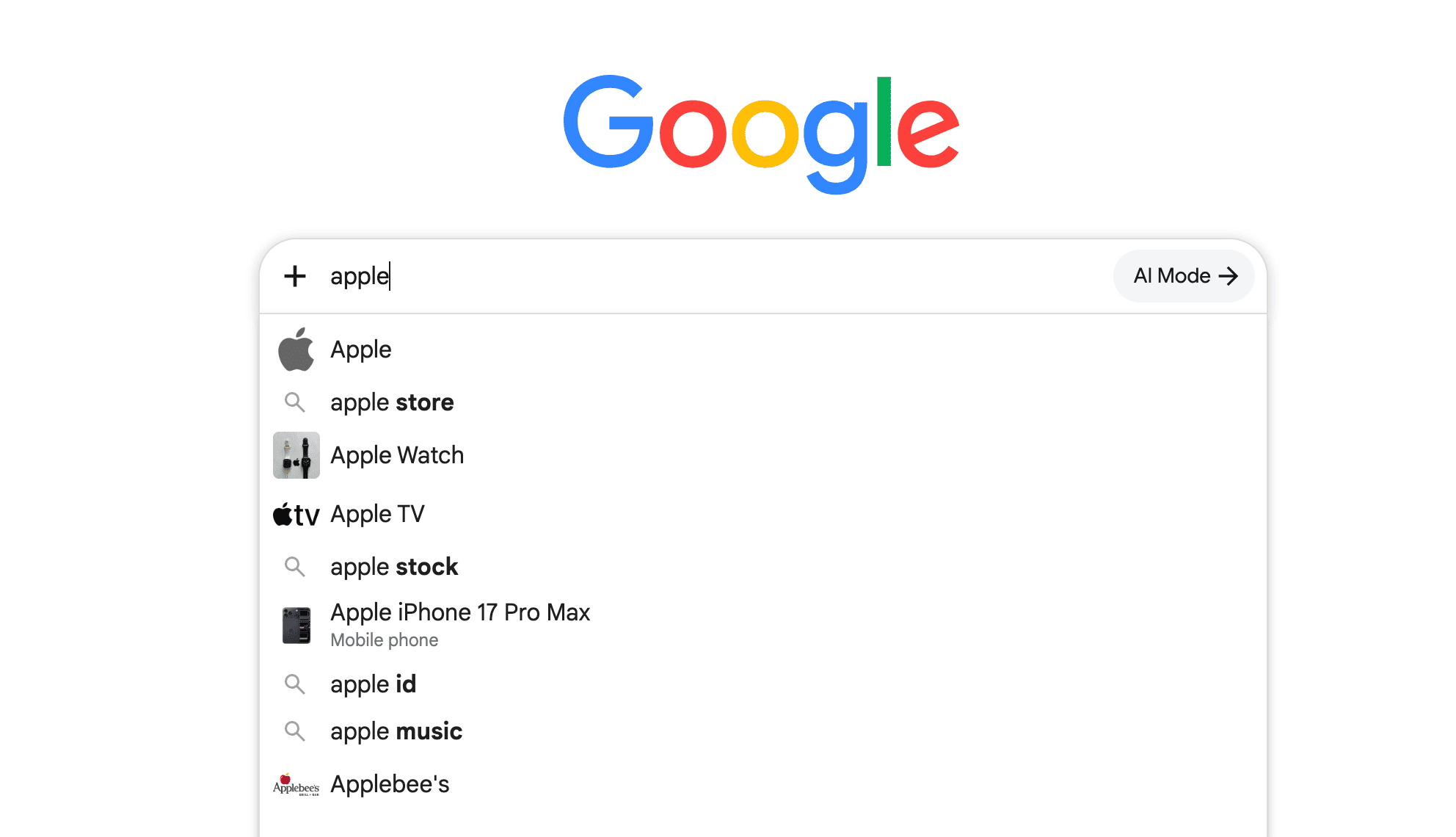
You may think an old arrest record is behind you — legally, professionally, and personally. But then someone tells you they “found something” online. You search your name, and there it is: not on the original website, but in a saved snapshot buried in search results.
This is the reality of cached arrest records — copies of web pages stored by search engines that can resurface long after the source has been updated or deleted. If you don’t know where to look, you could be applying for jobs, networking, or dating with damaging information you didn’t even realize was still visible.
The good news is that with the right approach, you can identify where these records are located and take steps to address them before they cause further harm.
Table of Contents
Why You Need to Know What’s Cached

Employers, landlords, clients — even casual acquaintances — often search names online. Many don’t stop at the first link. They might click into cached results without even realizing it’s an older version of a page.
In industries where background checks are routine, a cached arrest record can quietly block opportunities. Even in personal life, it can shape opinions in ways you may never get the chance to correct.
Knowing your cached record status isn’t just about avoiding embarrassment — it’s about protecting your reputation and making sure outdated mistakes don’t define you.
What “Cached” Actually Means
When search engines store a copy of a page, they’re creating a cached version. It’s meant to make browsing faster and to preserve a page in case the live site changes or goes offline.
That’s convenient for users — but it also means information you’d rather disappear can still be just a click away.
For example, you could have a mugshot removed from a news site, yet the cached page still shows it. This can persist for weeks, months, or even years, depending on how often that search engine updates its stored version.
How Cached Arrest Records Get There
Search engines use automated “crawlers” that scan and save web pages on a schedule. High-traffic sites might be cached several times a day, while small or niche sites may only be checked occasionally. If your record was posted on a site that’s regularly crawled, there’s a higher chance it’s stored in multiple places.
These cached copies don’t always disappear when the original does — which is why checking them is so important.
Where to Look
If you want to see whether your arrest record is cached, start with major search engines. Each has its own way of showing saved pages, and some hold onto information longer than others.
While the steps vary, the process usually involves searching for your name with related keywords and checking if a “cached” or “saved copy” option appears alongside results. Don’t overlook less-popular search engines — they can sometimes hold onto older records even after the big ones have dropped them.
Ways to Detect Cached Records
1. Search Your Name Strategically
Don’t just search your name — add details like “arrest record,” “mugshot,” or the city where the arrest happened. This increases the chance of surfacing relevant cached pages.
2. Check for Saved Copies
In many cases, you can view a cached version of a page directly from search results. If the link appears, click it and note the date the page was saved — that date tells you how fresh (or stale) the cached copy is.
3. Explore Web Archives
Tools like web archiving services can show you older snapshots of pages, even if they’re no longer live. These archives are often used by journalists, researchers, and individuals seeking old information about others.
What to Do If You Find One
Discovering a cached arrest record can feel unsettling, but there are steps to take:
- Document It – Take screenshots with the cached date and URL.
- Request Removal – Many search engines have forms for removing outdated cached content. Be specific and provide proof that the information is outdated or misleading.
- Address the Source – If the live page still exists, work on getting it removed first. Firms like NetReputation specialize in both removal and suppression, often addressing cached copies as part of a broader strategy.
Preventing Future Caching
You can’t control how often search engines crawl the web, but you can limit what they find. That means reducing your digital footprint where possible — adjusting privacy settings, being selective about public information, and monitoring your name regularly.
Setting up alerts for your name can also help you spot new mentions quickly, giving you a head start if something unwanted appears.
The Takeaway
A cached arrest record is like a shadow — you may forget about it, but it can still follow you into important moments. Detecting and addressing it isn’t just a one-time cleanup job; it’s part of ongoing reputation management.
By staying aware, searching smart, and taking action quickly, you can prevent outdated information from holding you back long after it should be part of the past.
Wait! Before You Go, Read:
 How to Write for Users and Search Engines: 10 Practical Steps
 Best Tips for PTE Reading Multiple Choice Multiple Answers
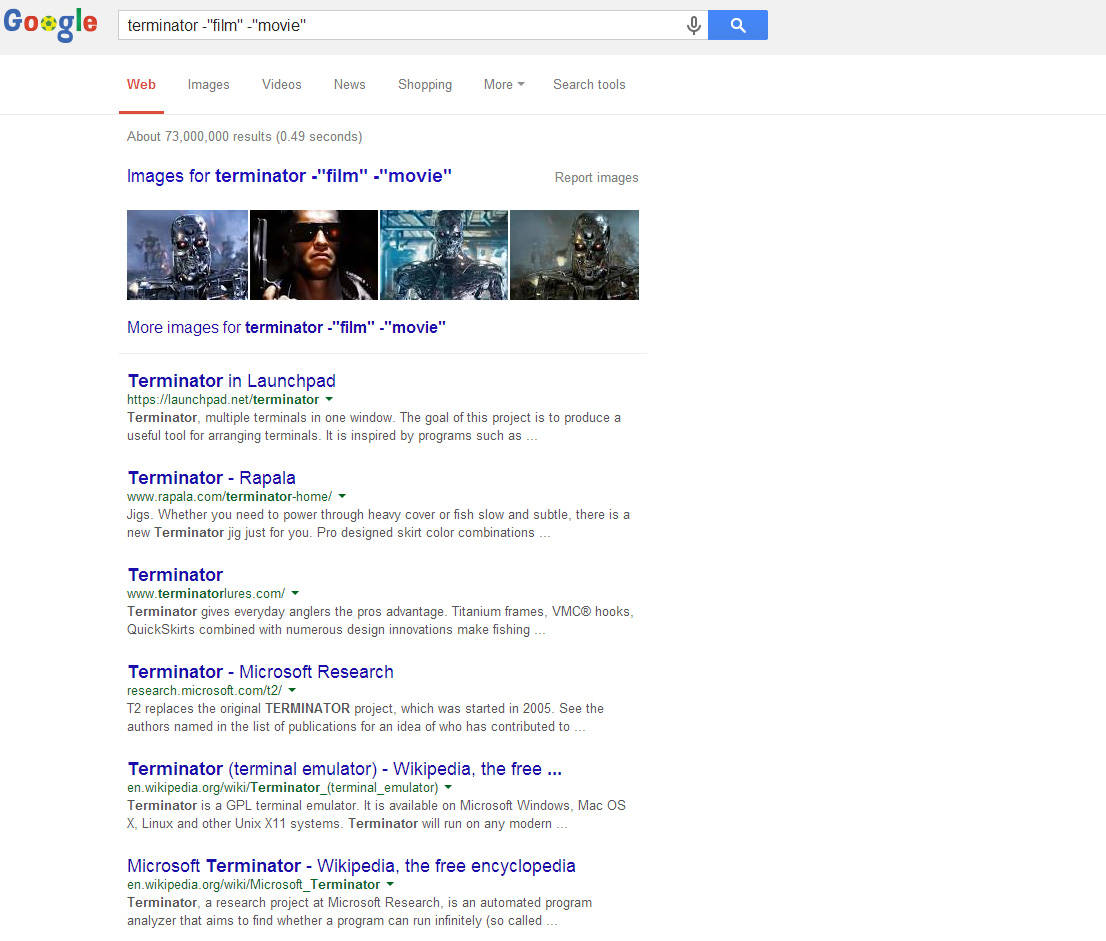 Eight Methods for getting the Most out of Google Search
 Ethical Search Engine Optimization Tips
 20 Alternatives Search Engine to Google
 How to Make Your Blog Search Engine Friendly
 Why Is My Google Search Not Working? Here’s How to Fix It
 Why a Proper Property Title Search is Essential for Secure Home Buying and Investment Success
 7 SEO Metrics to Make Sure Your Search Campaigns Are Healthy
 SEO Los Angeles 2025: The Ultimate Guide to Dominating Your City’s Search Results
 Smart Ways to Unwind When Building Multiple Income Streams
 Building Multiple Passive Income Streams: Proven Strategies for 2025 and Beyond
 How SEO Helps Aussie Small Businesses Get Found Without Paying for Every Click
 Spotibo: A New On-Page SEO and Analysis Tool You Need to Use
 Do You Think You Know SEO? Let’s Check It!
 How to Use Search Footprints To Supercharge Your Linking Campaign
 How to Fix ‘QuickBooks already has an Open Company File’ Error?
 A Guide to Keyword Targeting and On-Page SEO
 How to Speed Up Your Website and Gain Rankings With ShortPixel
 Local SEO 101: Everything You Need to Know to Get Started
 Lesser-Known SEO Tactics to Improve Your Traffic
 Best Practices of Internal Linking for SEO Benefits
 How Google Chrome 62 Can Affect Your SEO and Online Business
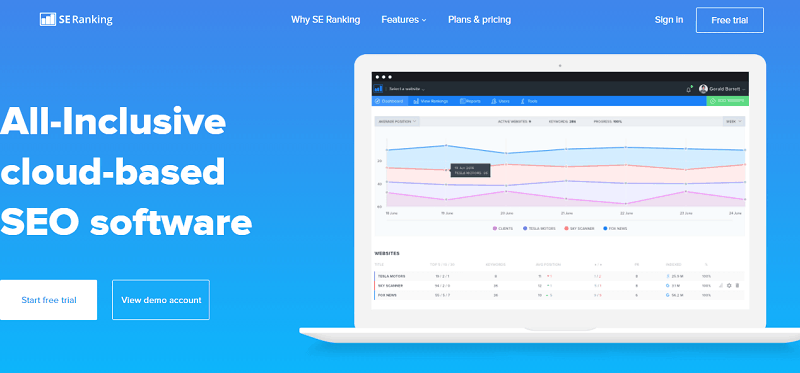 SE Ranking: The All-Inclusive Cloud-Based SEO Software You Need
 5 Tips to Have Your Website Translated and Localized