In the ever-evolving landscape of digital content, YouTube continues to innovate, providing creators with tools to enhance viewer engagement and build anticipation around new releases. One such feature that has gained significant attention is the Instant Premiere.
This blog post aims to demystify the Instant Premiere feature, offering a clear, in-depth understanding of what it is, how it works, and how it can be a game-changer for your content strategy.
Table of Contents
Understanding Instant Premiere: The Basics
Instant Premiere on YouTube allows content creators to debut their new videos as a live stream. Unlike regular uploads, where videos are quietly published, Instant Premiere creates a sense of event and excitement by scheduling videos to go live at a set time, similar to TV premieres.
When you choose to use Instant Premiere, YouTube sets up a public watch page where your audience can wait for the video to start. Once the scheduled time arrives, the video plays live, and viewers can engage in real-time through a live chat feature. It’s like throwing a digital premiere party for your content, and everyone’s invited!
Why Use Instant Premiere?
1. Boost Engagement
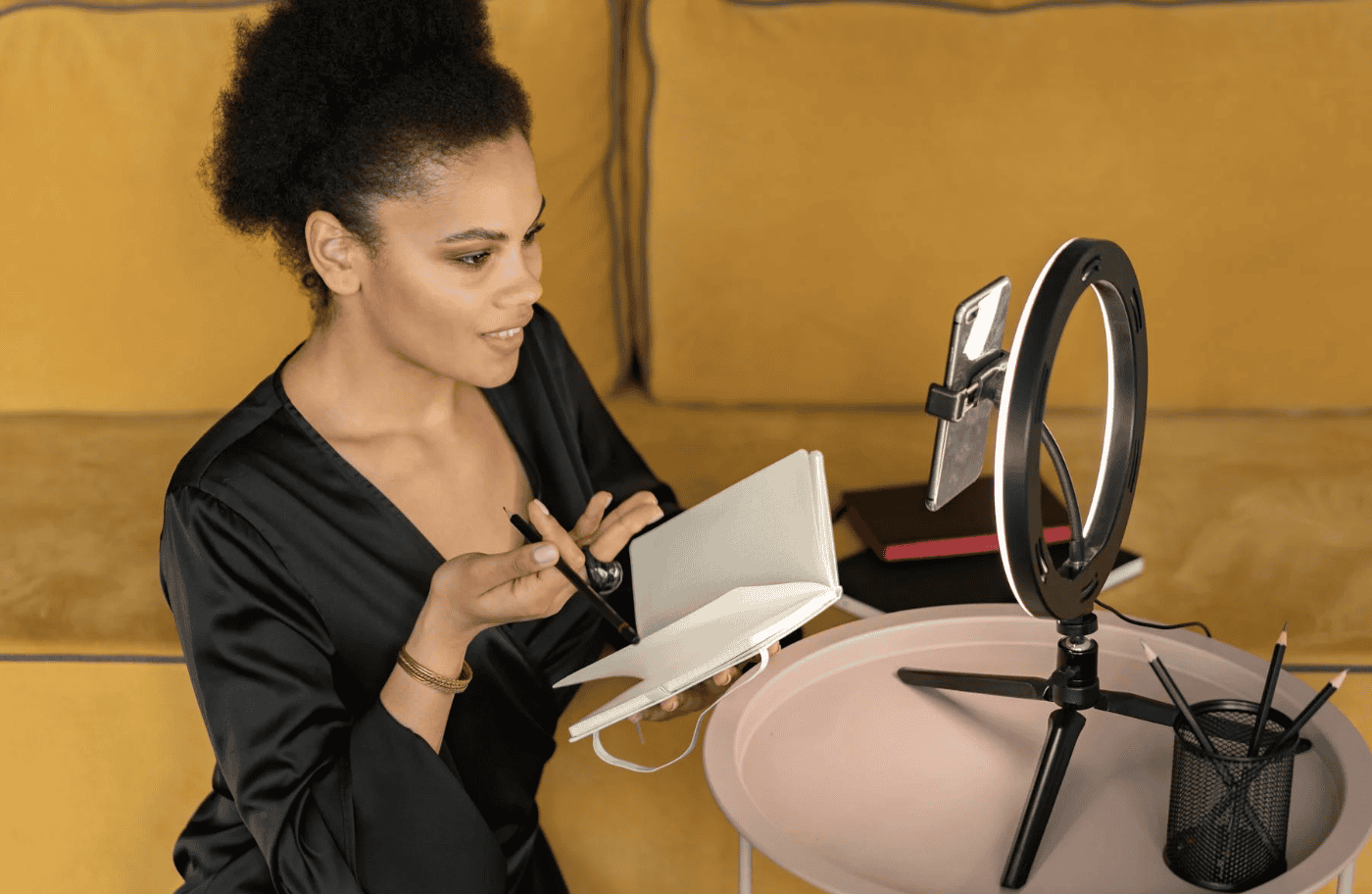
Instant Premiere is designed to foster community engagement. By premiering your video live, you can interact with your audience in real-time through live chat. This interaction can help build a stronger connection with your viewers, making them feel part of an exclusive event.
2. Generate Excitement and Anticipation
Scheduling a premiere creates a buzz around your content. You can promote the premiere across your social media channels, encouraging your audience to set reminders and join the event. This anticipation can lead to higher viewership numbers right out of the gate.
3. Real-Time Feedback
During the live chat, you can receive immediate feedback from your audience. This real-time interaction can provide valuable insights into what resonates with your viewers and what areas might need improvement.
4. Increased Visibility
YouTube often promotes premieres more prominently than regular uploads, giving your content additional exposure. This increased visibility can attract new subscribers and boost overall channel growth.
How to Set Up an Instant Premiere
Setting up an Instant Premiere on YouTube is a straightforward process. Here’s a step-by-step guide to get you started:
Step 1: Upload Your Video
Upload your video as you normally would but select “Scheduled” instead of “Public.”
Step 2: Enable Premiere
Once you’ve set the video to “Scheduled,” a “Set as Premiere” option will appear. Select this option to prepare your video for an Instant Premiere.
Step 3: Customize Your Premiere Settings
Choose the date and time for your premiere. You can also add a custom thumbnail and promotional text to make your premiere more attractive.
Step 4: Promote Your Premiere
Use your social media platforms to announce the premiere. Encourage your audience to click the “Set Reminder” button on the premiere watch page to ensure they don’t miss out.
Step 5: Engage During the Premiere
On the day of the premiere, make sure to be present during the live chat. Engage with your viewers, answer their questions, and thank them for joining.
Best Practices for Instant Premiere
To maximize the benefits of Instant Premiere, consider the following best practices:
Schedule Strategically
Choose a time when your audience is most active. Analyzing your YouTube Analytics can give you insights into when your viewers are most likely to be online.
Create Hype
Use teasers, countdowns, and behind-the-scenes footage to generate excitement in the days leading up to the premiere.
Engage Actively
Be active in the live chat during the premiere. Your presence will make the event more special for your viewers and increase the likelihood of them returning for future premieres.
Monitor Performance
After the premiere, review the performance metrics. Pay attention to viewer retention, engagement rates, and feedback to refine your future premiere strategies.
Conclusion
Instant Premiere on YouTube is a powerful tool for content creators looking to elevate their video launch strategies. By transforming a regular upload into an engaging, communal event, you can boost viewer engagement, generate excitement, and increase your content’s visibility. Whether you’re a seasoned YouTuber or a social media manager overseeing multiple channels, leveraging Instant Premiere can provide a significant advantage in building a loyal and interactive audience.
Ready to take your YouTube content to the next level? Start planning your next Instant Premiere today and watch your engagement soar!
Wait! Before You Go, Read:
 Can you See Who Views Your Videos on YouTube?
 +30 Best Gaming YouTube Video Ideas (2024 List)
 5 YouTube Alternatives For Video Content Creators
 25+ TOP Description for YouTube Channel (Copy & Paste)
 12 Creative Faceless YouTube Ideas for 2025 that Will Skyrocket Your Channel
 10 Best YouTube Thumbnail Ideas For 2024
 5 Best Passive Income YouTube Channels in 2025
 How to Block a YouTube Channel (The Complete Guide)
 25 Best Comedy YouTube Channel Name Ideas
 +150 Best YouTube Video Title Ideas to Get More Views
 Why Aren’t You Taking Advantage Of YouTube?
 25+ How To Video Ideas for YouTube (2025 List)
 50 Best Couples YouTube Channel Name Ideas [New for 2024]
 How Do You Make Money on TikTok Live? A Small Guide
 +100 YouTube Pet Channel Name Ideas
 Does Instagram Pay Money? A Quick Guide for Content Creators
 150 Best YouTube Shorts Viral Tags of 2024 (Go Viral!)
 240 Cat Youtube Channel Name Ideas (Purrfect) 😻
 210 Dance YouTube Channel Name Ideas (2025 List)
 What is CroxyProxy YouTube?
 270 Best Fashion YouTube Video Ideas (2025 List)
 Engaging the New Consumer with Visual Media
 100 Cute Couple YouTube Names (Must-See!)
 How to Use an Online MP4 Converter to Boost Your Social Media Engagement
 How to Gain TikTok Followers Quickly: Proven Tips